Free original wallpaper library

Free iPhone Duo wallpapers

Find your next background in ten collections, from space and nature to dark scenes and minimalist art. Download JPG and PNG files up to 4200 × 3000, with no signup.

Explore all collections
80
free originals
10
collections
4200 × 3000
largest download
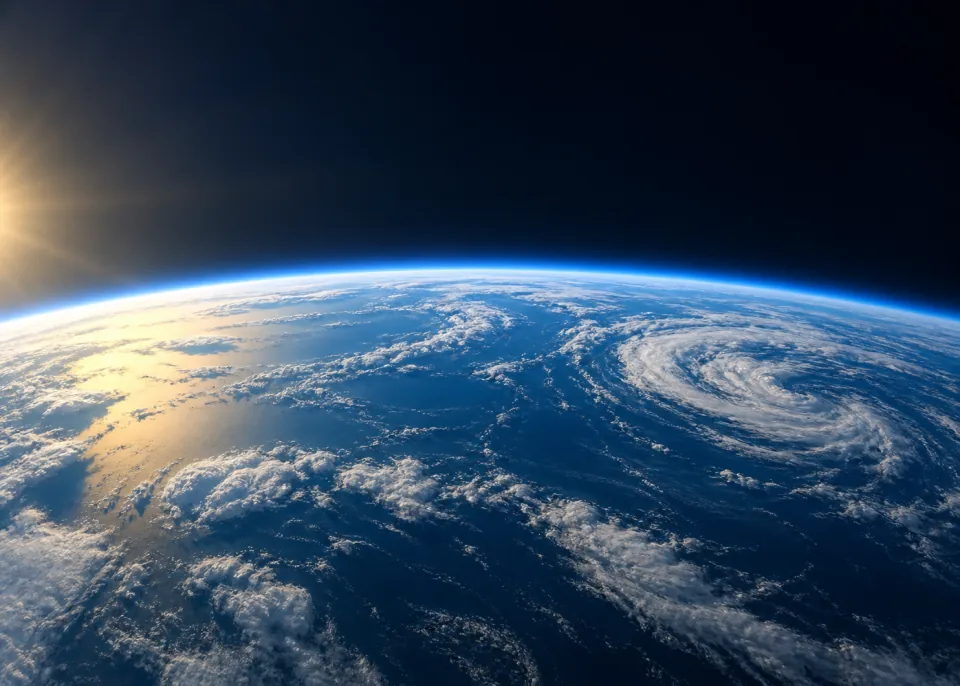
Blue Marble: Earth seen from high orbit, curved ocean hemisphere filling lower half, subtle white weather systems and thin cobalt atmospheric rim, sunlight from left. Blue Marble Earth & Space

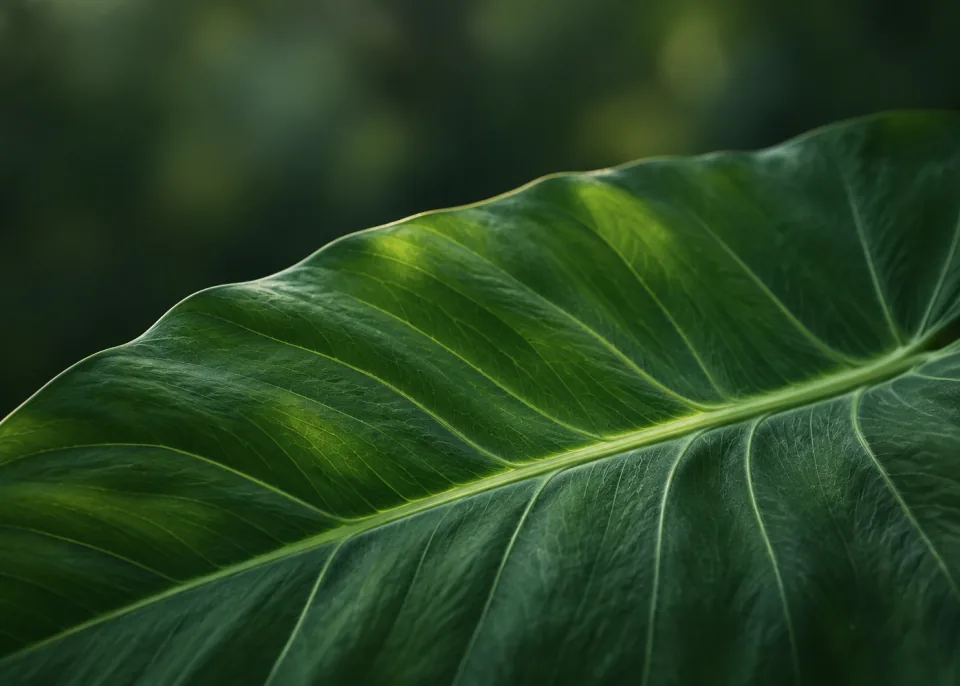
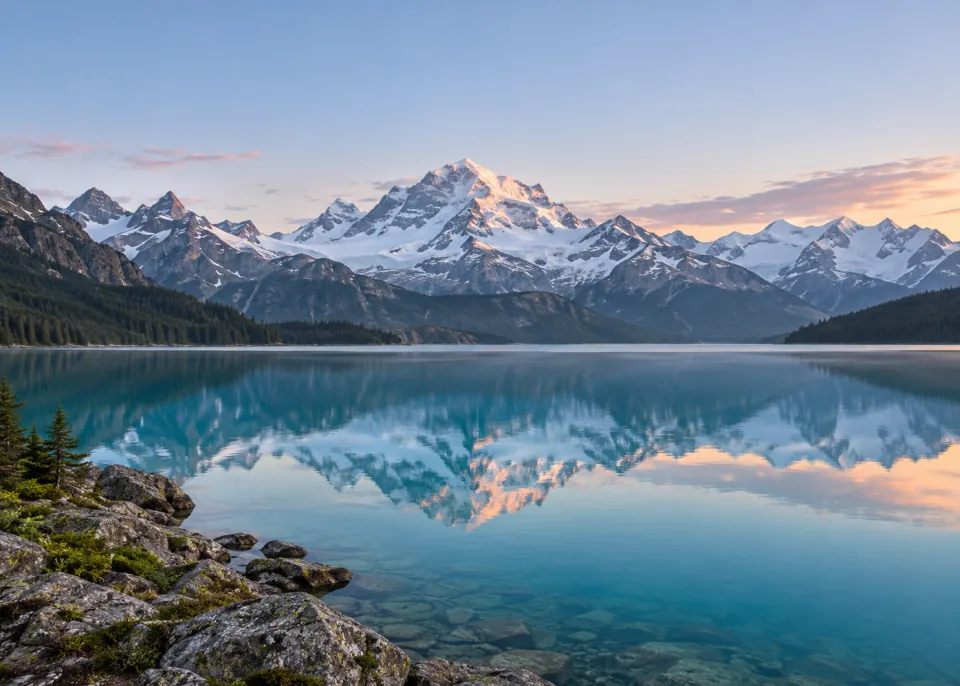
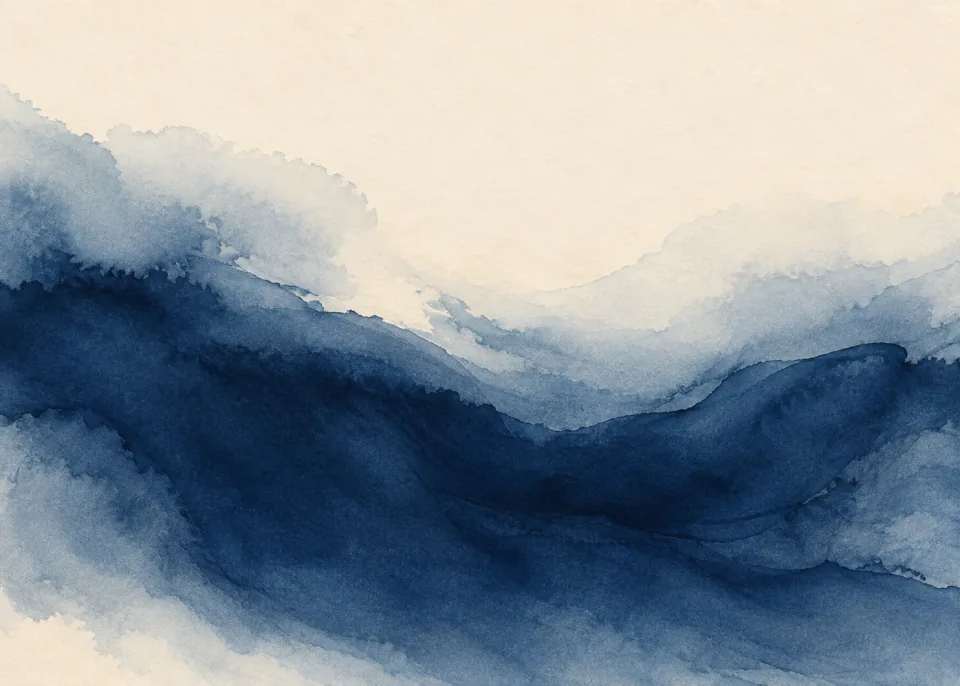
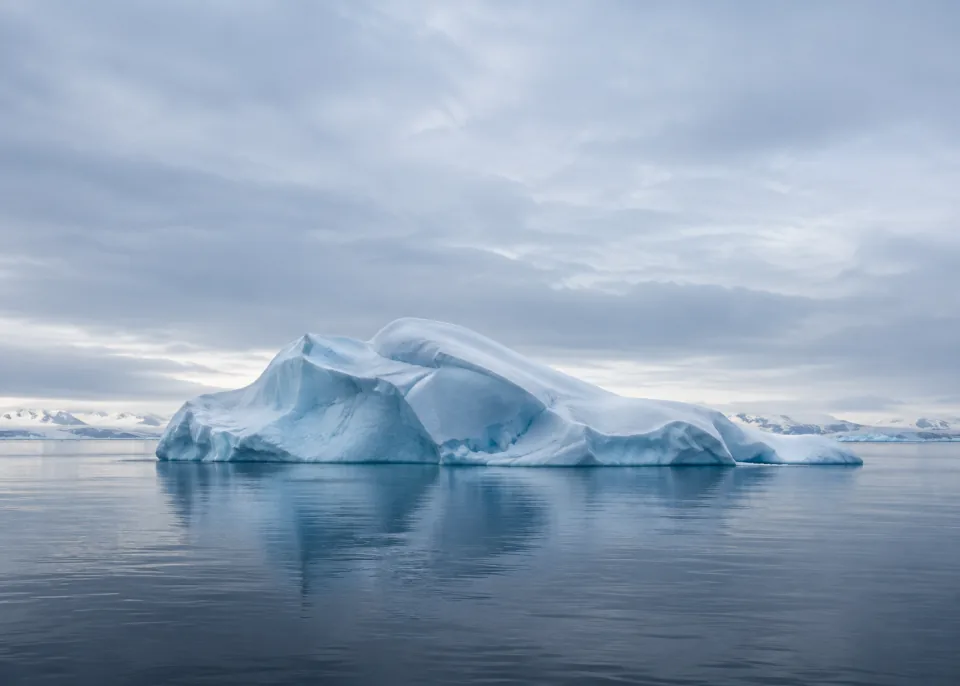
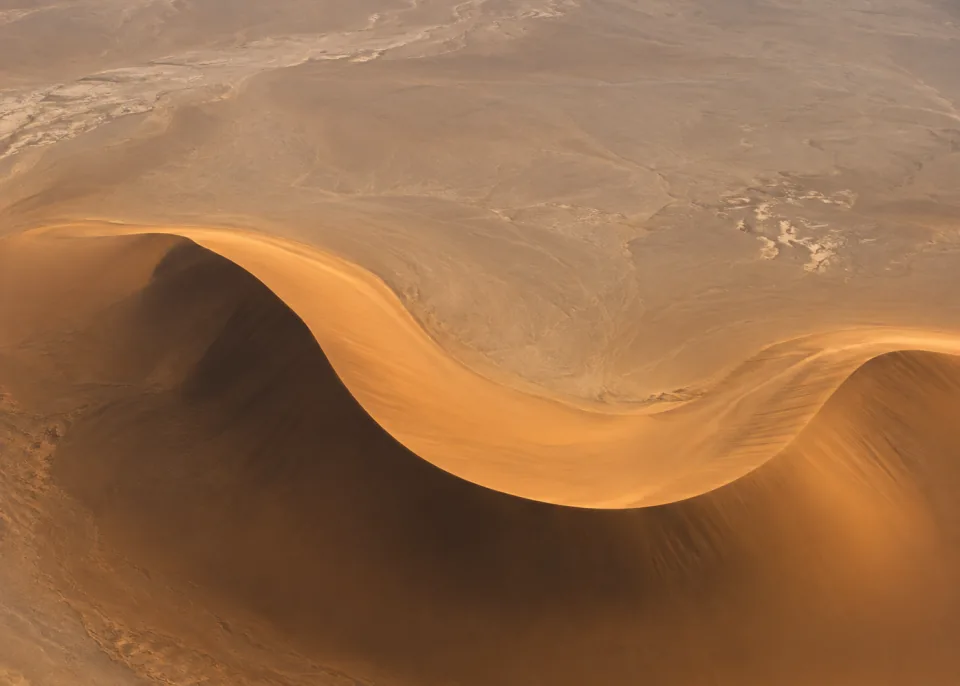
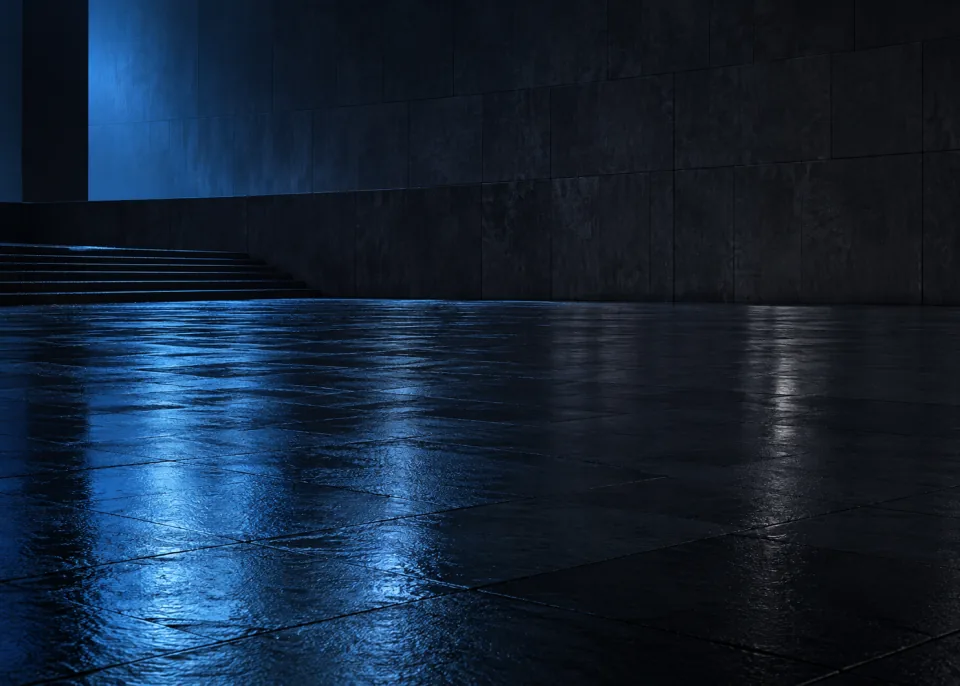
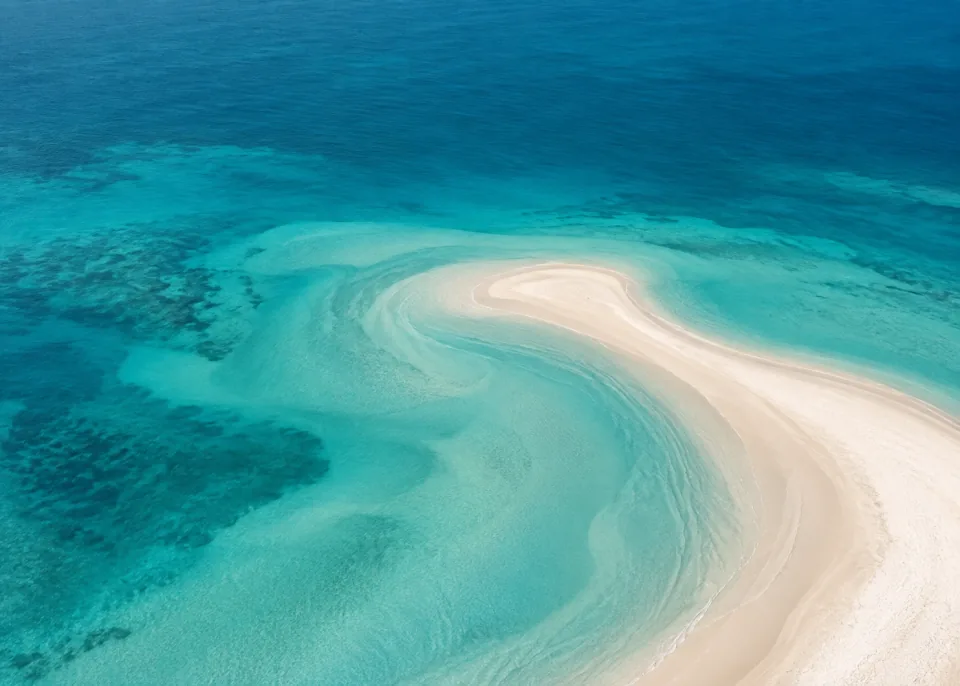
Explore ten collections curated by Edouard Barbier, from quiet orbital horizons and macro botanicals to geometric light, dark architecture, paper forms, frozen landscapes, and ocean color.

Choose from JPG and PNG downloads up to 4200 × 3000, or keep the unchanged 1484 × 1060 original PNG. See the size and screen-fit guide to find the right download for your display.

Browse by mood

Ten iPhone Duo wallpaper collections

Eight distinct designs in every collection, with a choice of sizes in JPG and PNG.

Know your download

Wallpaper size & screen fit

Every design comes in 4200 × 3000 JPG or lossless PNG, a smaller 2968 × 2120 JPG, and the unchanged 1484 × 1060 original PNG. All downloads keep the landscape 7:5 aspect ratio.

Choose Large JPG for everyday wallpaper use, Medium JPG to save storage, or Large PNG to avoid JPEG compression. Download the file for full resolution; the gallery uses smaller previews to load quickly.

These single images are not verified inner/outer display pairs. iOS may crop or scale them to fill a screen, so preview the framing before applying one. For a flexible crop, try the simpler compositions in Shapes & Light or Paper Sculptures.

Simple setup

How to download and set a wallpaper

  1. 1

    Choose a design

    Open any artwork page to see the image, dimensions, caption, and collection context.

  2. 2

    Choose a size and save

    Choose Large JPG for everyday use, or pick another size or format. If the file lands in Files, open it and use Share → Save Image.

  3. 3

    Choose your framing

    Go to Settings → Wallpaper → Add New Wallpaper → Photos. Select the image, adjust its crop, then tap Add.

More setup options: Apple's guide to changing your iPhone wallpaper.

Useful details

iPhone Duo wallpaper FAQ

Answers about downloading, choosing a size, and making an image work on your screen.

Downloads & setup

Are these iPhone Duo wallpapers free to download?
Yes. All 80 wallpapers in this website library are free direct downloads. You do not need an account, email address, subscription, or app. The wallpaper app linked on this page is optional.
How do I download a wallpaper to my iPhone?
Open a collection, choose an artwork, then select a size under Choose your download. Large JPG is recommended for everyday wallpaper use; the unchanged Original PNG is available too. You can also choose a size in the full-screen gallery. If Safari saves the file to Files, open it, tap Share, and choose Save Image to add it to Photos. Download the file rather than taking a screenshot of the preview.
Should I download JPG or PNG?
Choose Large JPG (4200 × 3000) for everyday wallpaper use: it offers the largest dimensions in a smaller file than PNG. Medium JPG (2968 × 2120) saves more storage. Large PNG (4200 × 3000) avoids JPEG compression and is useful if you plan to edit the image. Original PNG (1484 × 1060) keeps the original file unchanged. The large JPG and PNG have the same dimensions, so PNG is not a higher-resolution option.
How do I set a downloaded image as my wallpaper?
After saving it to Photos, go to Settings → Wallpaper → Add New Wallpaper → Photos. Select your image, adjust its framing, and tap Add. Our setup guide covers the steps; Apple’s wallpaper instructions explain the available customization options.
Can I use different images on my Lock Screen and Home Screen?
Yes. When adding a wallpaper, Set as Wallpaper Pair uses the same image for the Lock Screen and Home Screen. Choose Customize Home Screen to select a different Home Screen background. This iOS pairing option is not a claim that these downloads contain coordinated inner- and outer-display artwork.

Resolution & screen fit

What size are these wallpapers? Are they 4K?
Choose 4200 × 3000 JPG or lossless PNG, 2968 × 2120 JPG, or the unchanged 1484 × 1060 original PNG. The large download exceeds 4K UHD in pixel dimensions, but uses a landscape 7:5 ratio rather than the standard 16:9 frame. It is not an exact device-screen export, so you may need to adjust the crop. Gallery previews are smaller; download a file for full resolution.
Why do the different sizes look the same in Preview?
Fit-to-window scales every file to the same visible area, which can hide the difference in pixel dimensions. Compare the same small detail at a matching on-screen size: enlarge the original to match the larger image and look at edges, texture, or gradients. Use the image information panel to confirm each file’s pixel dimensions. Smooth designs can show only subtle changes, and the large JPG and PNG are expected to look very similar.
Do the wallpapers fit both the inner and outer iPhone Duo displays?
These are individual landscape images, not separate files tailored to each display or verified matching inner/outer pairs. Fit has not been tested on an iPhone Duo. Different screen shapes can require different crops, so check the wallpaper preview on the display you intend to use. Compare your device with Apple’s iPhone Duo specifications if you need native screen dimensions.
Why does my wallpaper look cropped or blurry?
The artwork is landscape, so filling a differently shaped screen can crop the edges. Reposition the image and avoid zooming in more than necessary. Download the 4200 × 3000 Large JPG or PNG, not a gallery thumbnail or screenshot, for higher-resolution displays. The smaller original can look softer when enlarged.
Can I use these wallpapers on another iPhone, iPad, or Android phone?
The downloads are standard JPG and PNG images, not device-locked files. You can try them on another device that accepts images as wallpapers, but the crop and sharpness will depend on its screen shape and resolution. Choose a larger download for a higher-resolution display. The artwork has not been individually tested on every device.

Artwork & styles

Are these official Apple or stock iPhone Duo wallpapers?
No. This is an independent wallpaper library curated by Edouard Barbier. These are alternatives to the built-in wallpapers, not copies of Apple’s stock images. Apple did not create, sponsor, or endorse this collection.
Are these live, animated, or 3D spatial wallpapers?
The downloads are still JPG and PNG images; they do not include video, animation, or Live Photo data. iOS may offer a Spatial Scene effect for eligible images on supported devices, but eligibility is not guaranteed for these artworks. See Apple’s guidance on spatial wallpapers for requirements.
Where can I find dark or minimalist wallpapers?
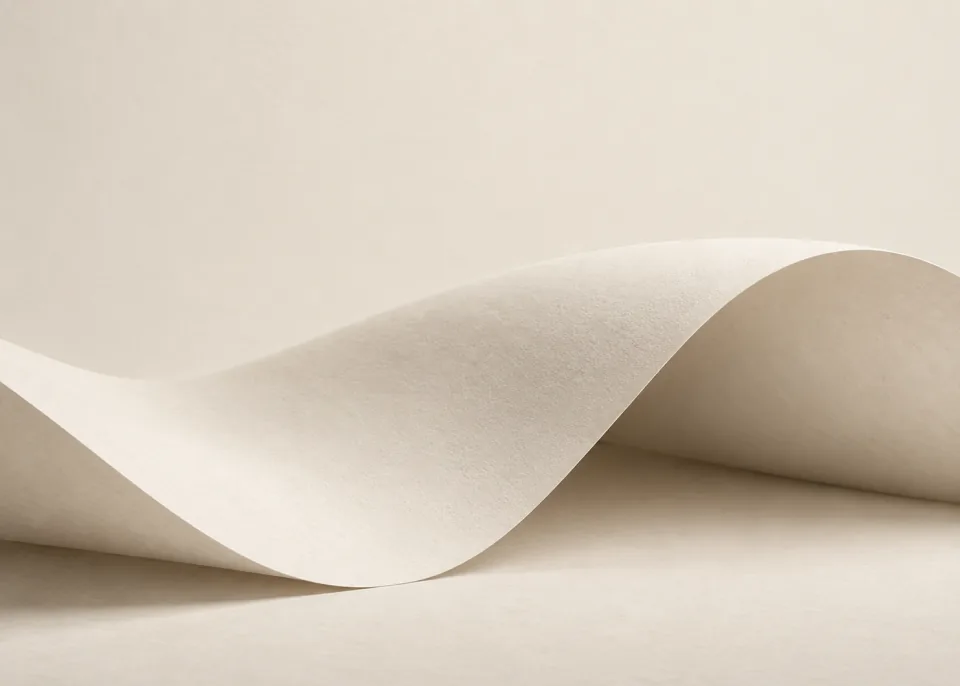
Start with After Dark wallpapers for night scenes, Shapes & Light wallpapers for clean geometry, or Paper Sculptures wallpapers for simple sculptural forms. Each collection has eight original designs.
Which collections have nature, ocean, or space wallpapers?
Browse Earth & Space for orbital views, Macro Nature for botanical details, and Ocean From Above for coastal color. Breathtaking Views and Frozen Worlds offer more landscape designs.