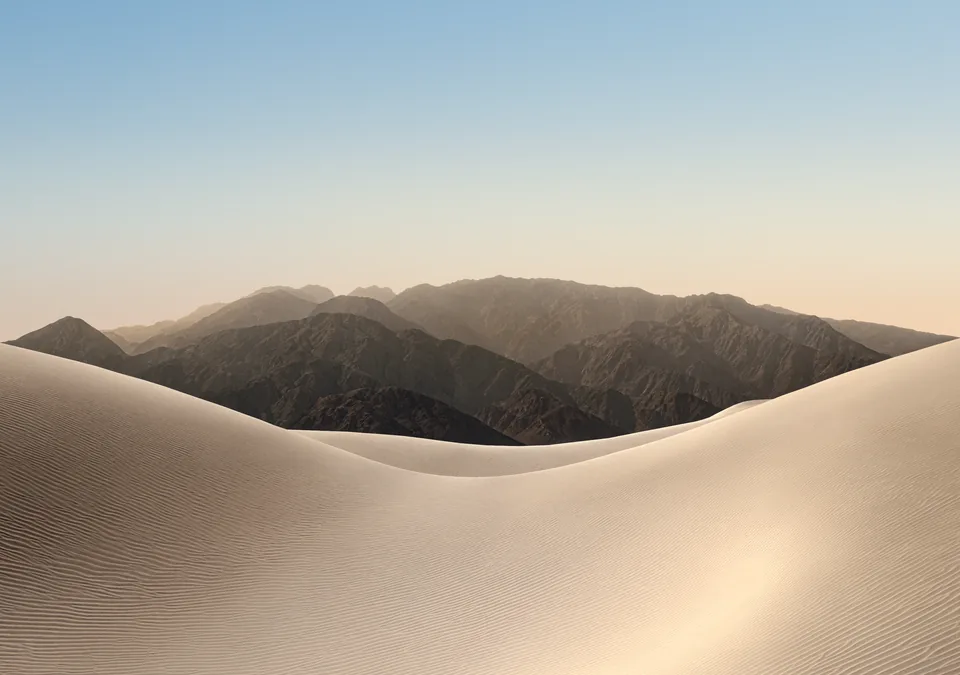
Official Apple wallpapers
iPhone Duo default wallpapers
The desert dune wallpapers that come with iPhone Duo, in light and dark versions for the inner and outer displays. Download all eight in full resolution, with no signup.
- 8
- default wallpapers
- 2853 × 2007
- inner display
- 1398 × 2034
- outer display
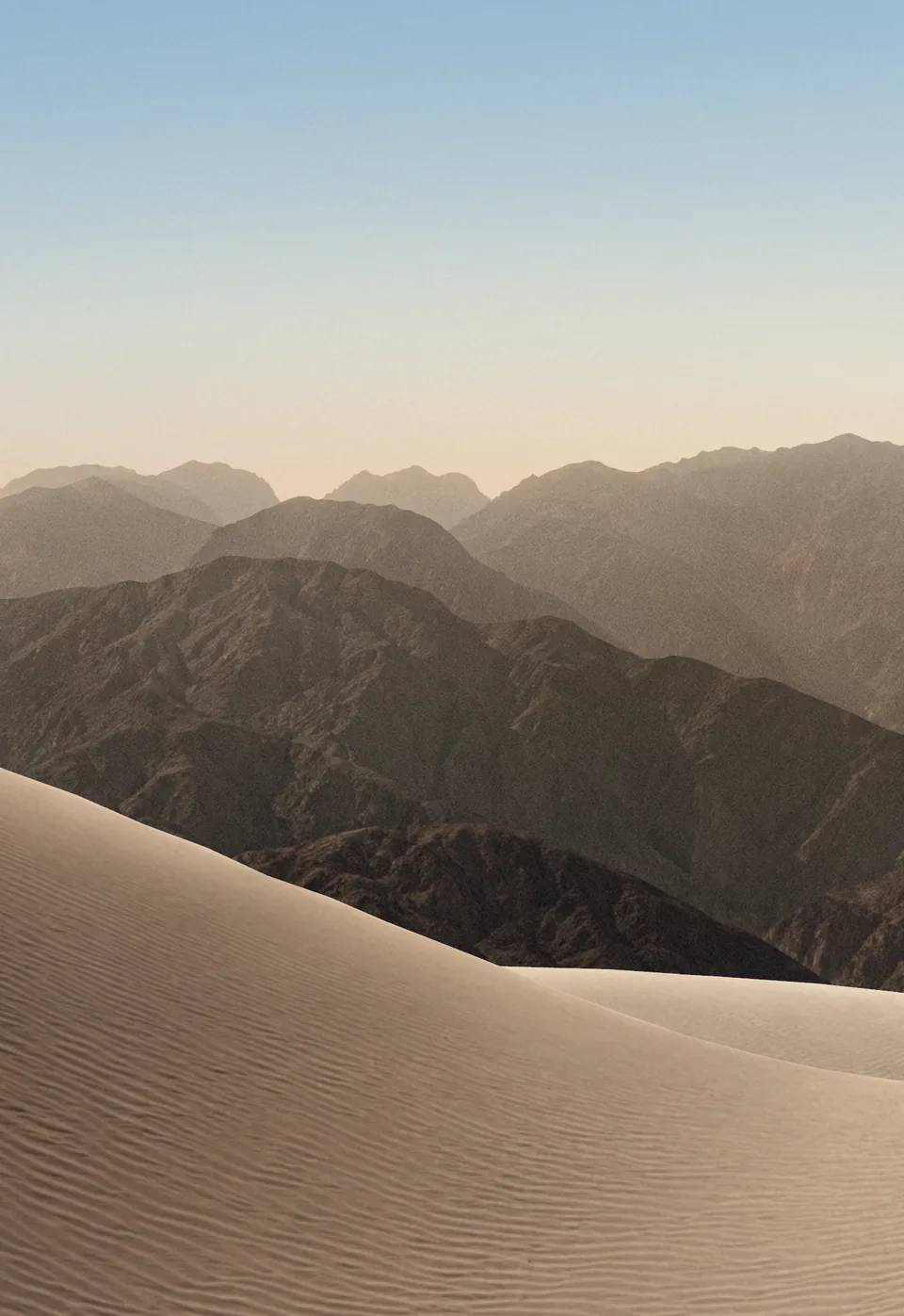
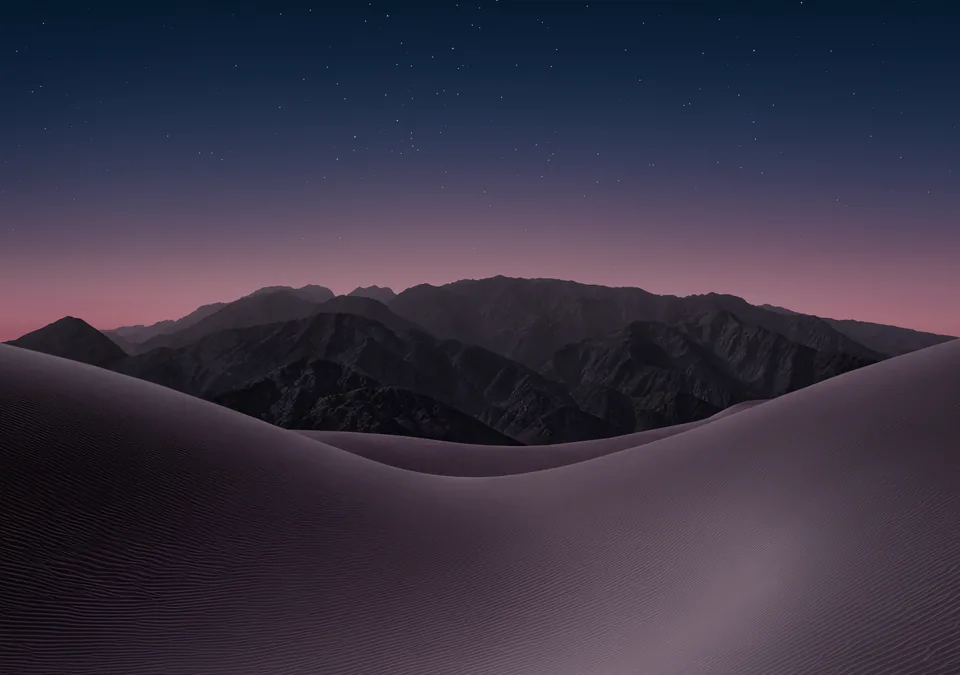
2853 × 2007 · Landscape
Inner display wallpapers
Landscape wallpapers for the large folding screen.
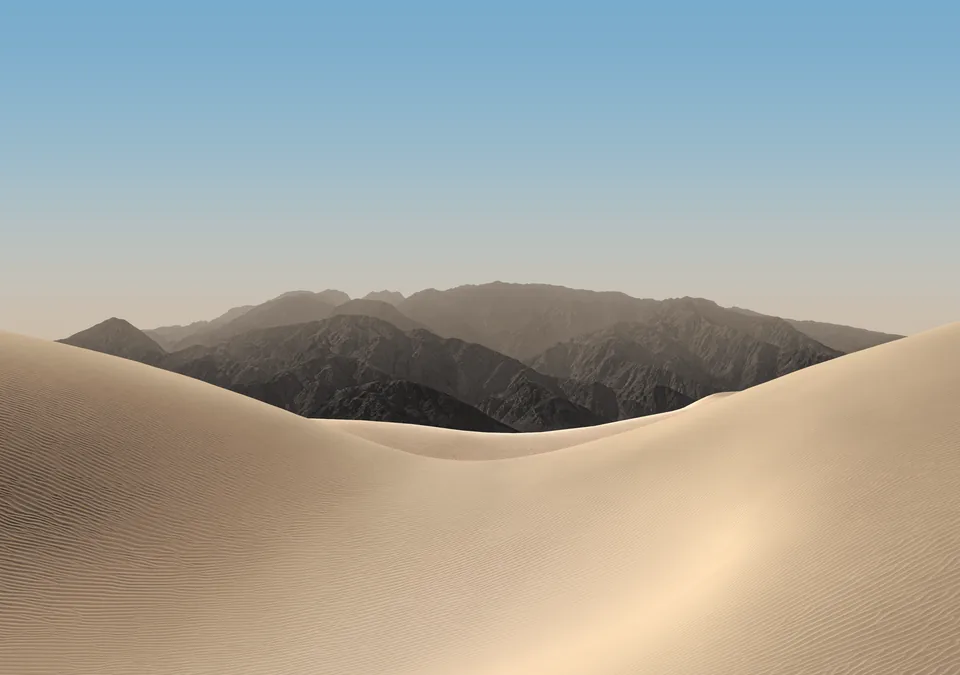
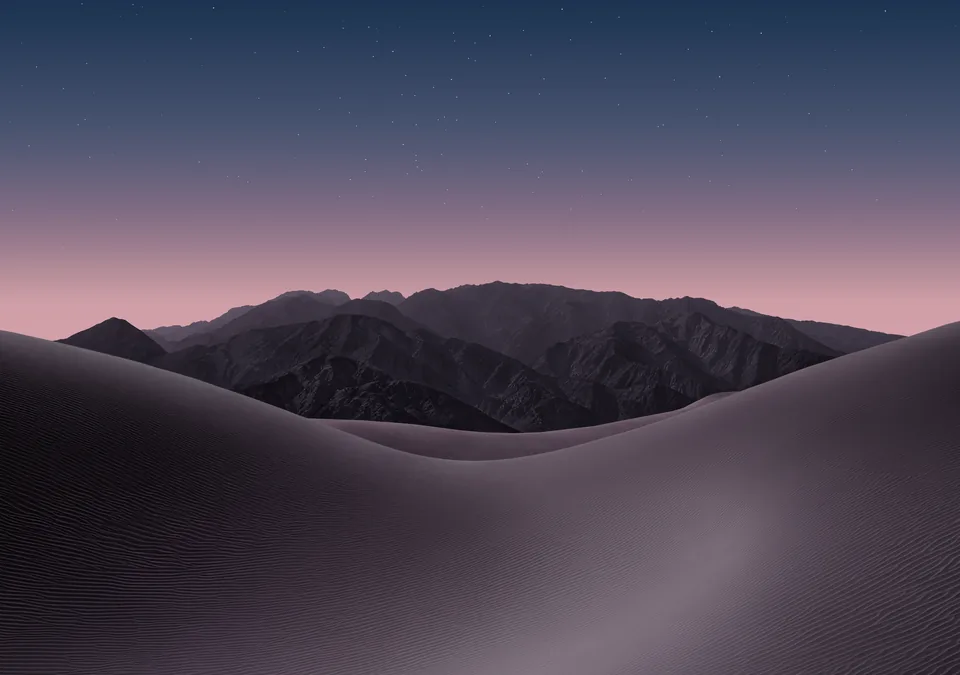
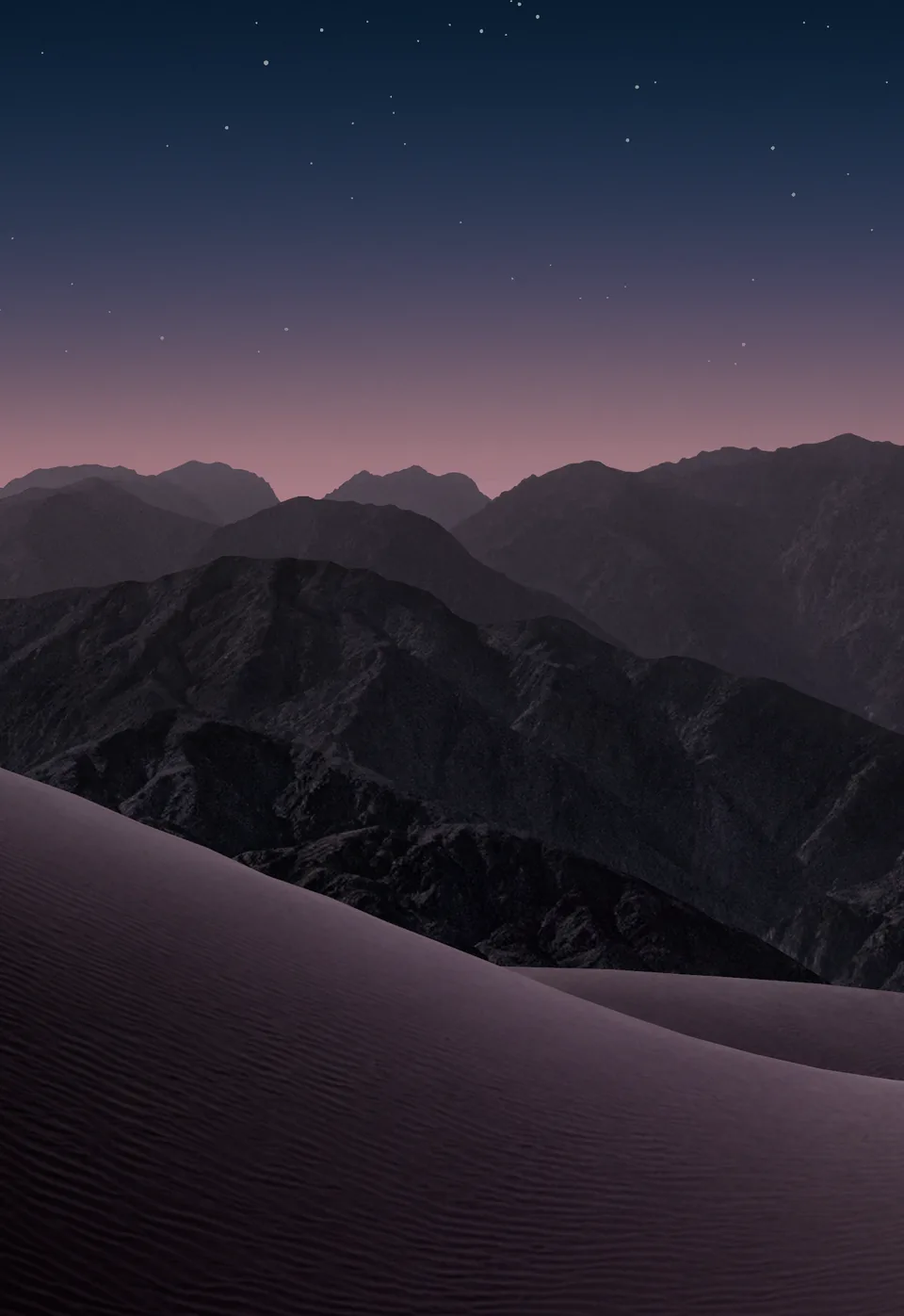
1398 × 2034 · Portrait
Outer display wallpapers
Portrait wallpapers for the cover screen you use when iPhone Duo is closed.
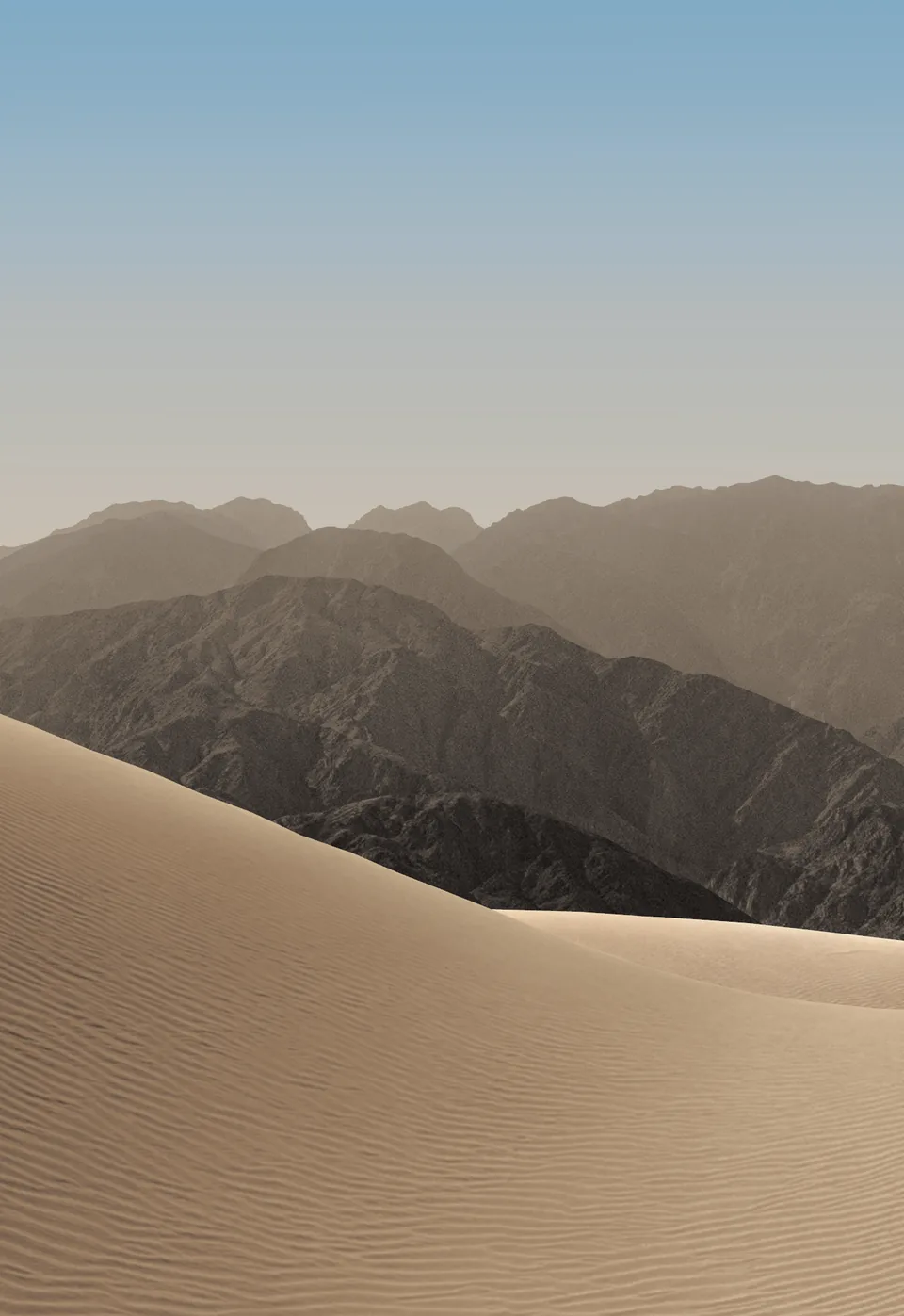
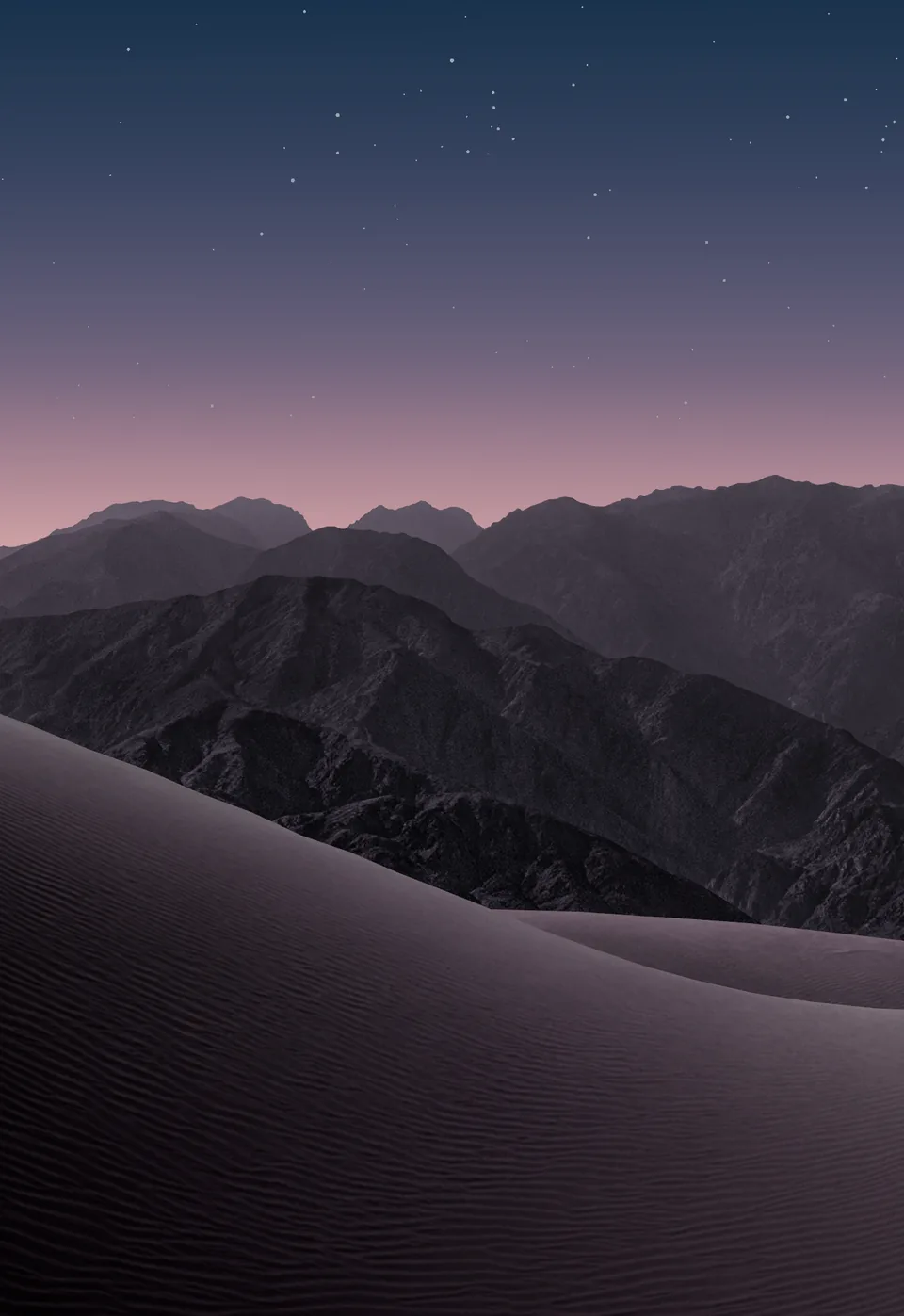
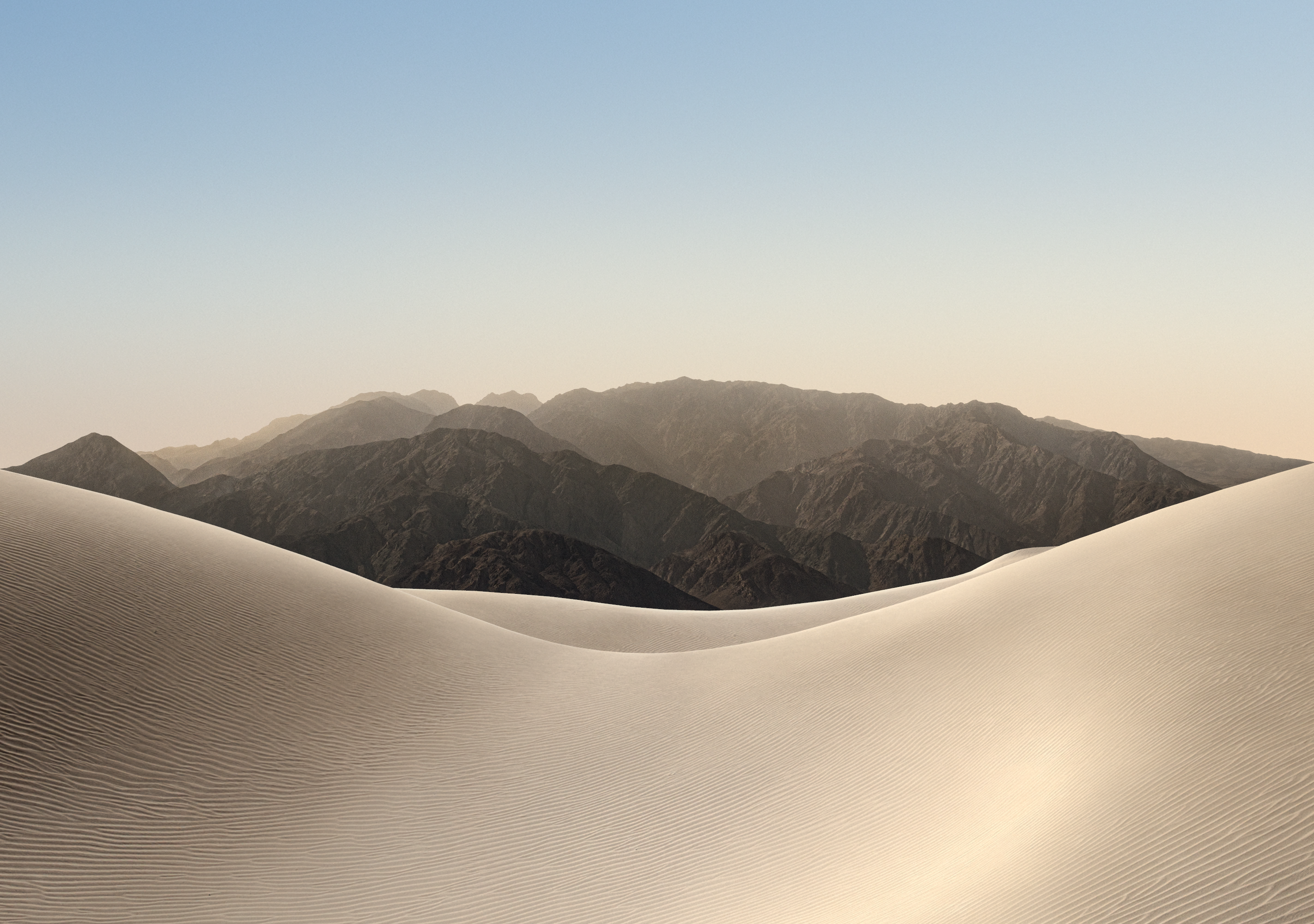
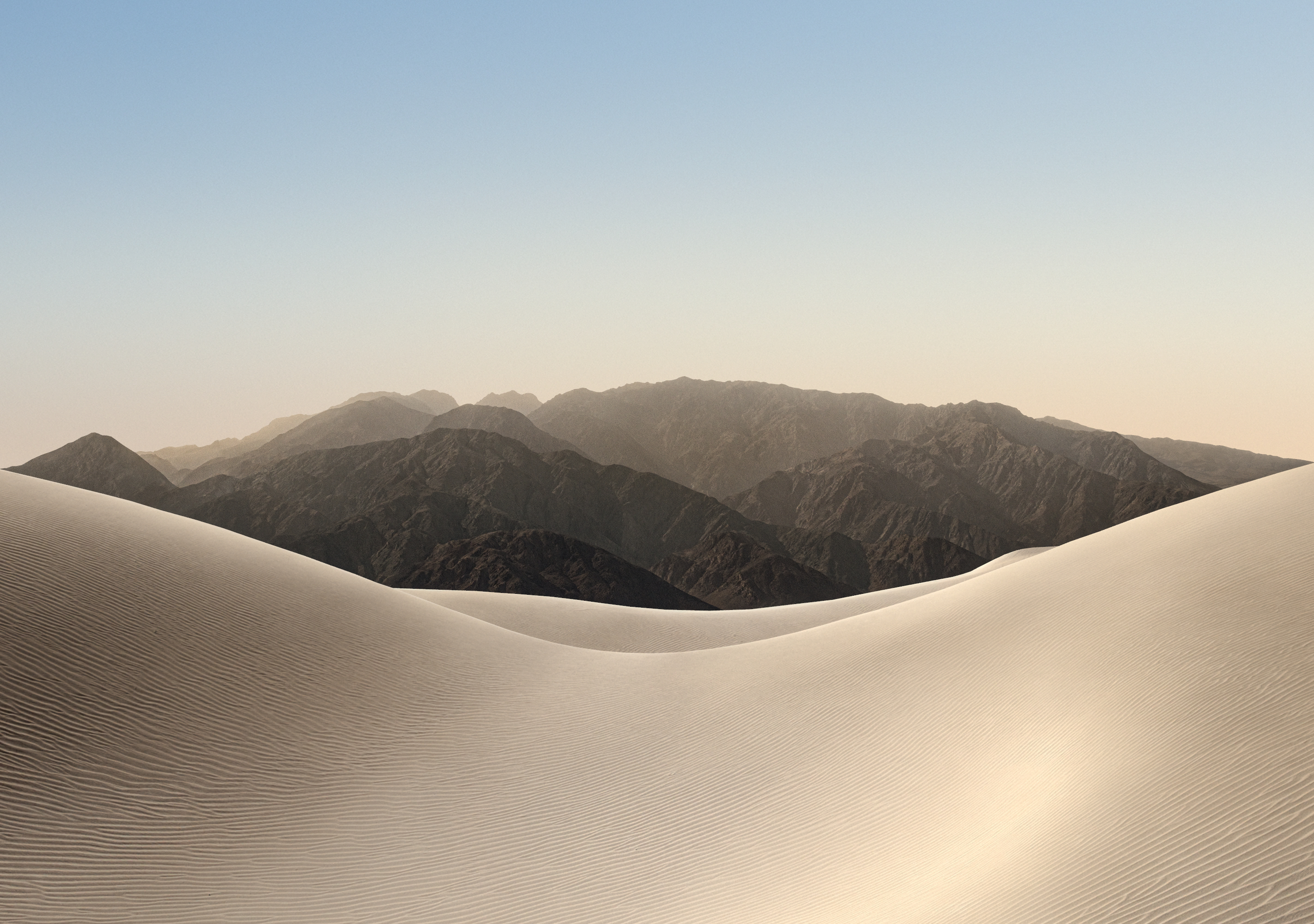
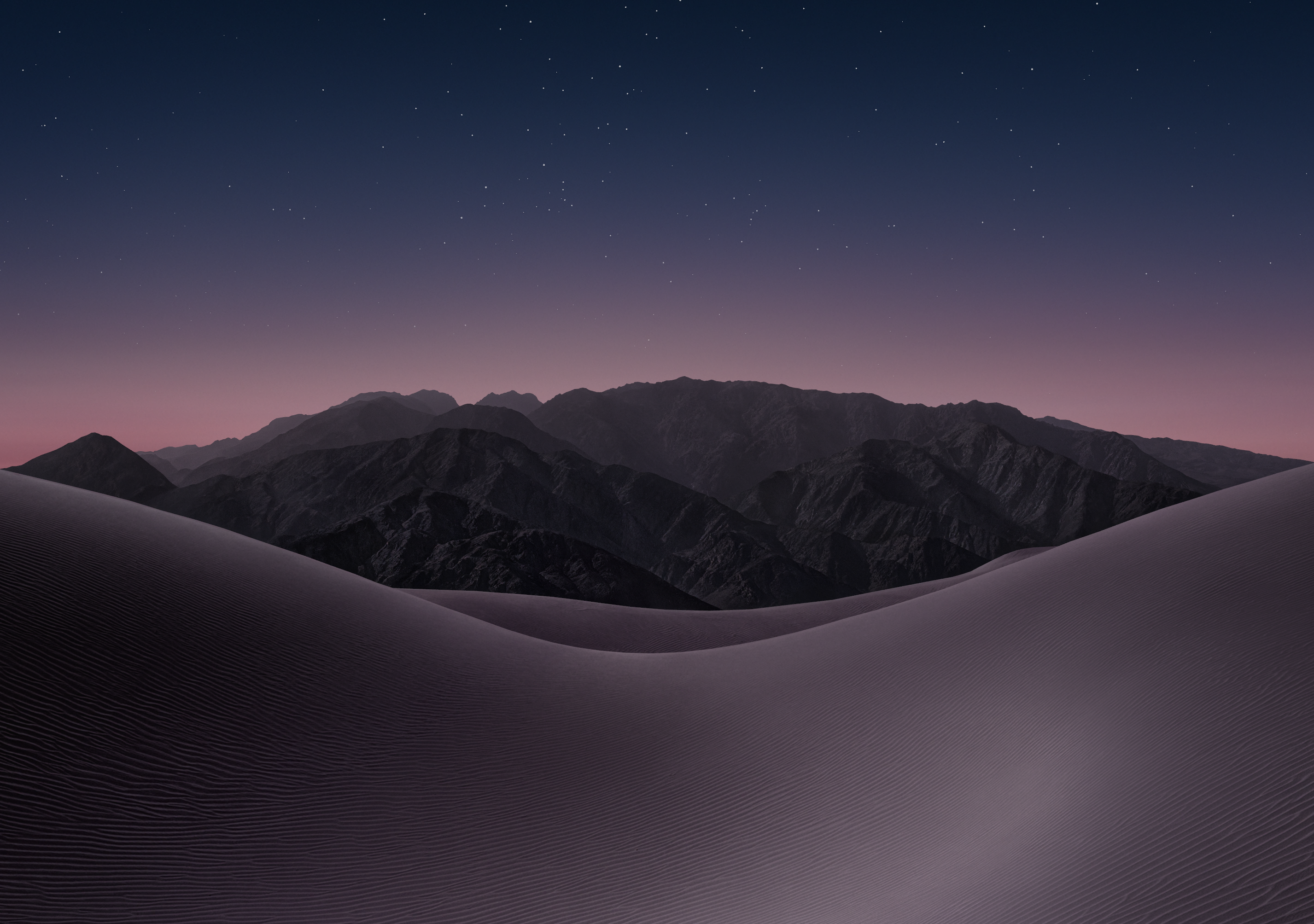
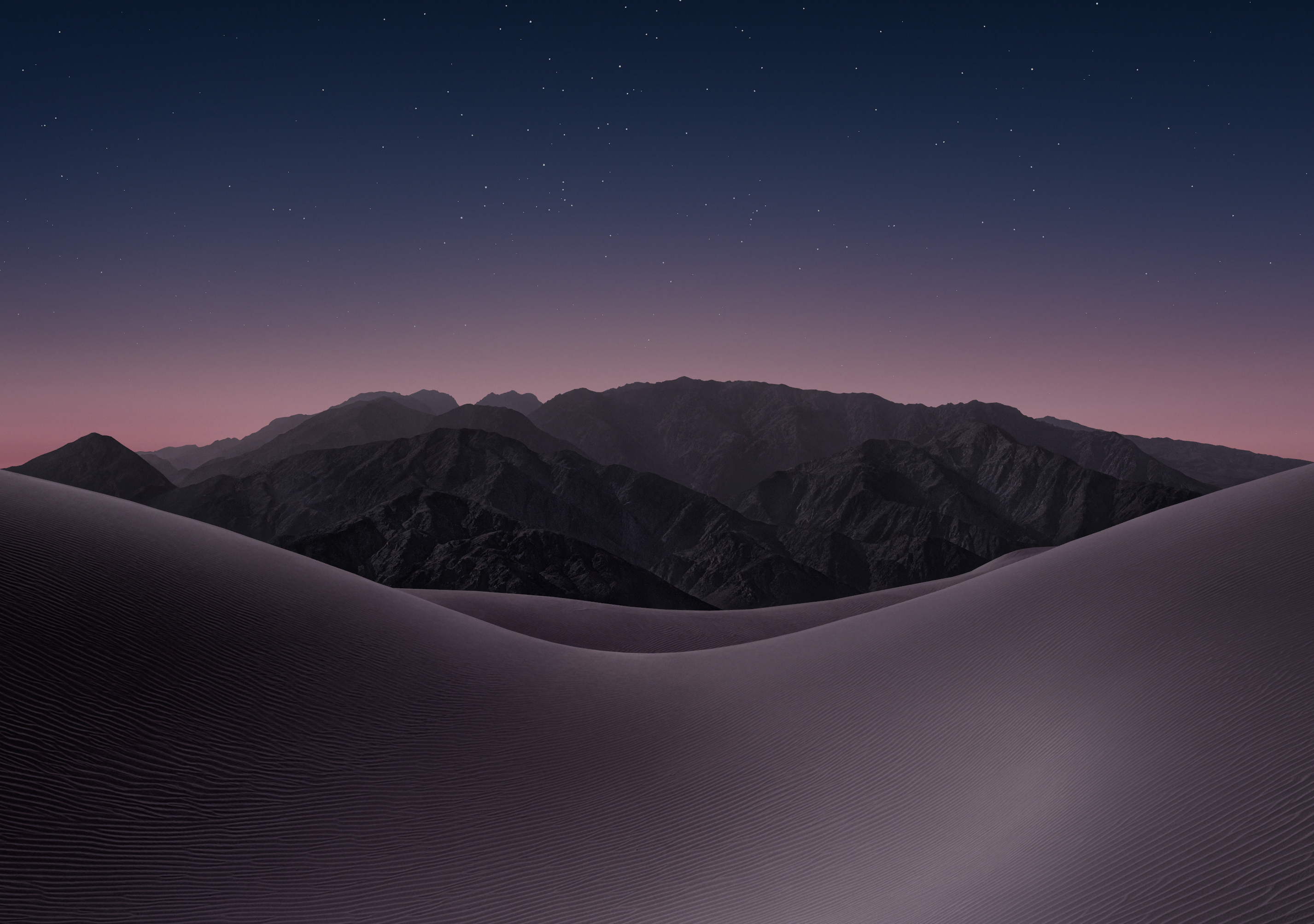
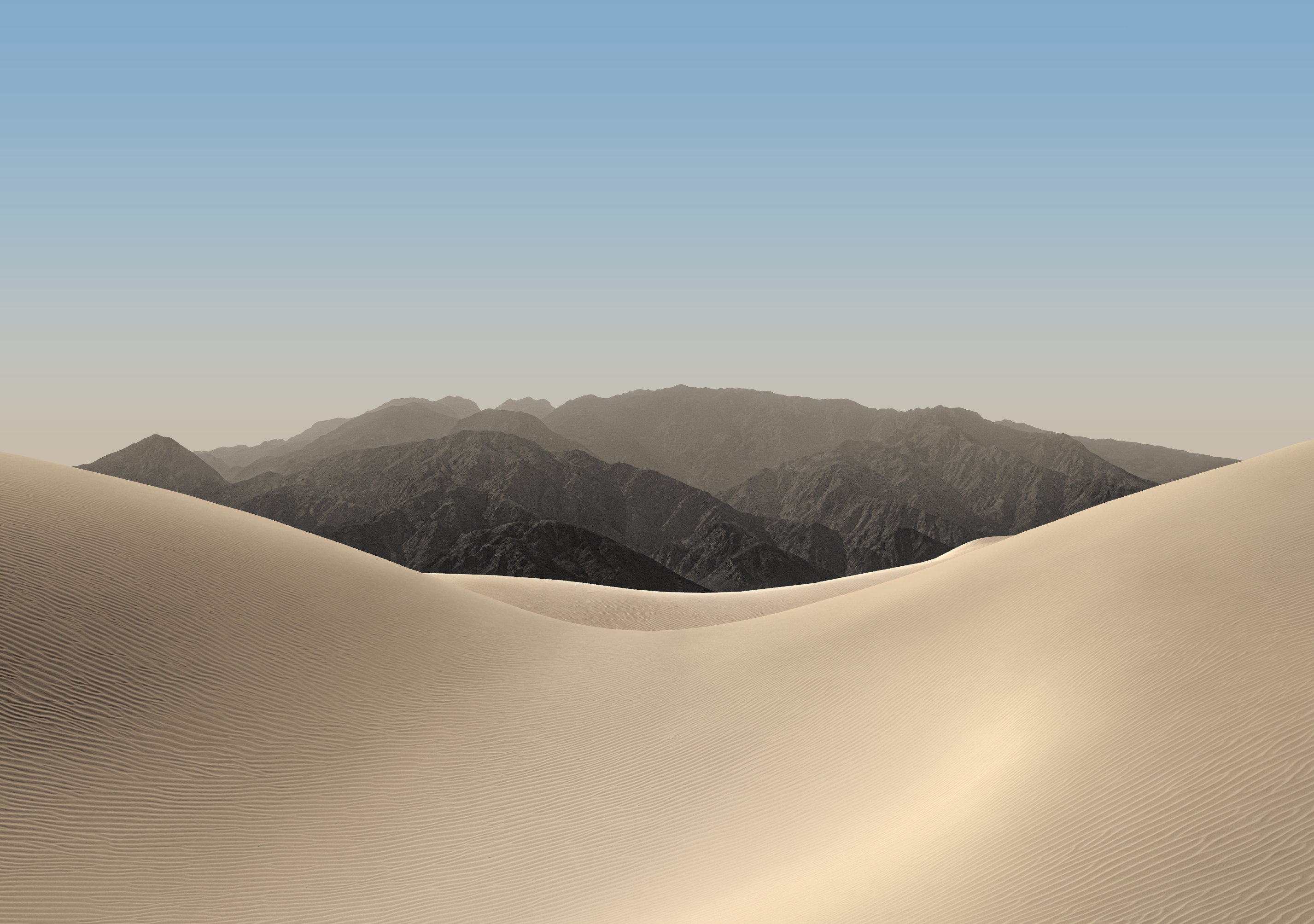
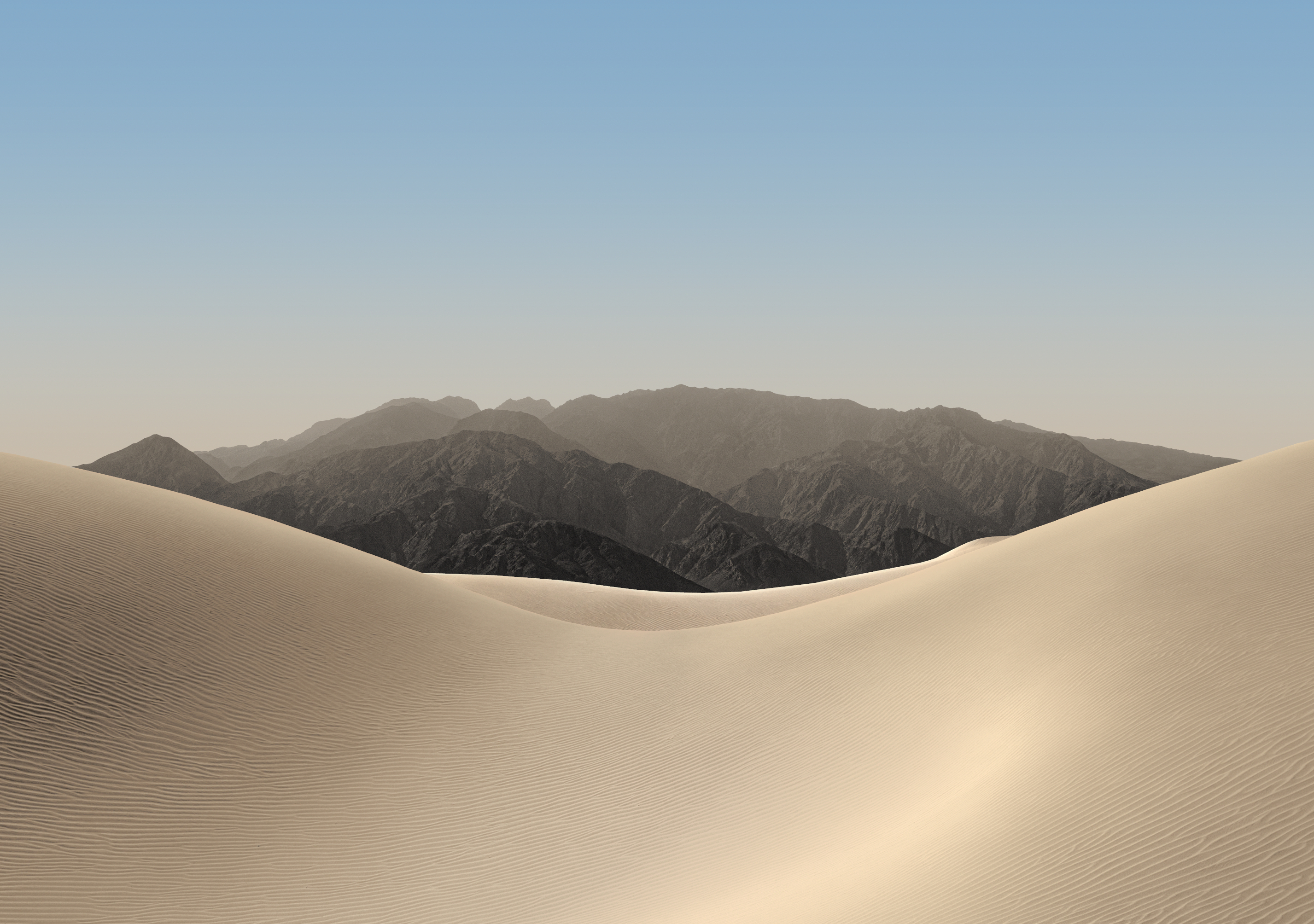
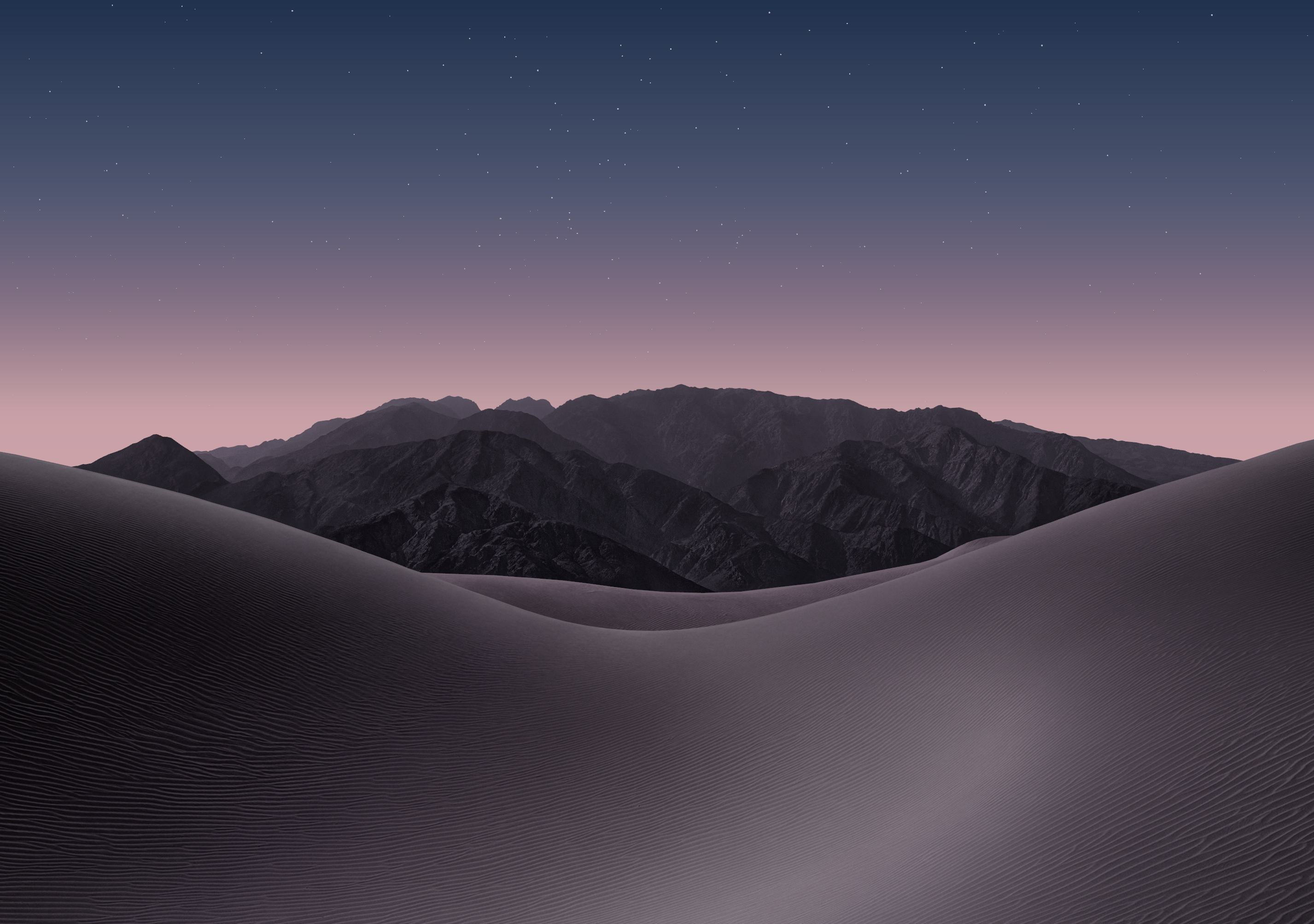
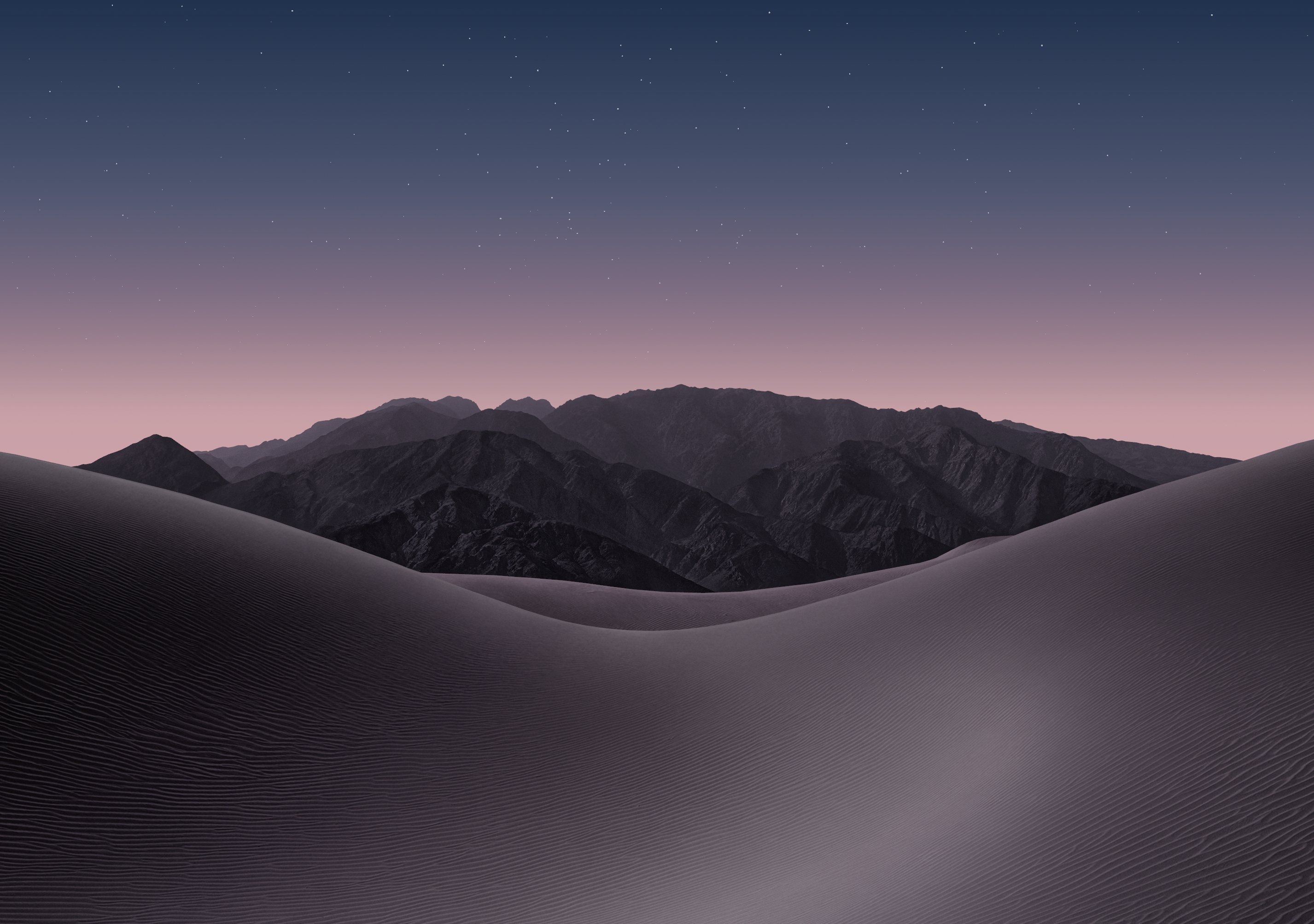
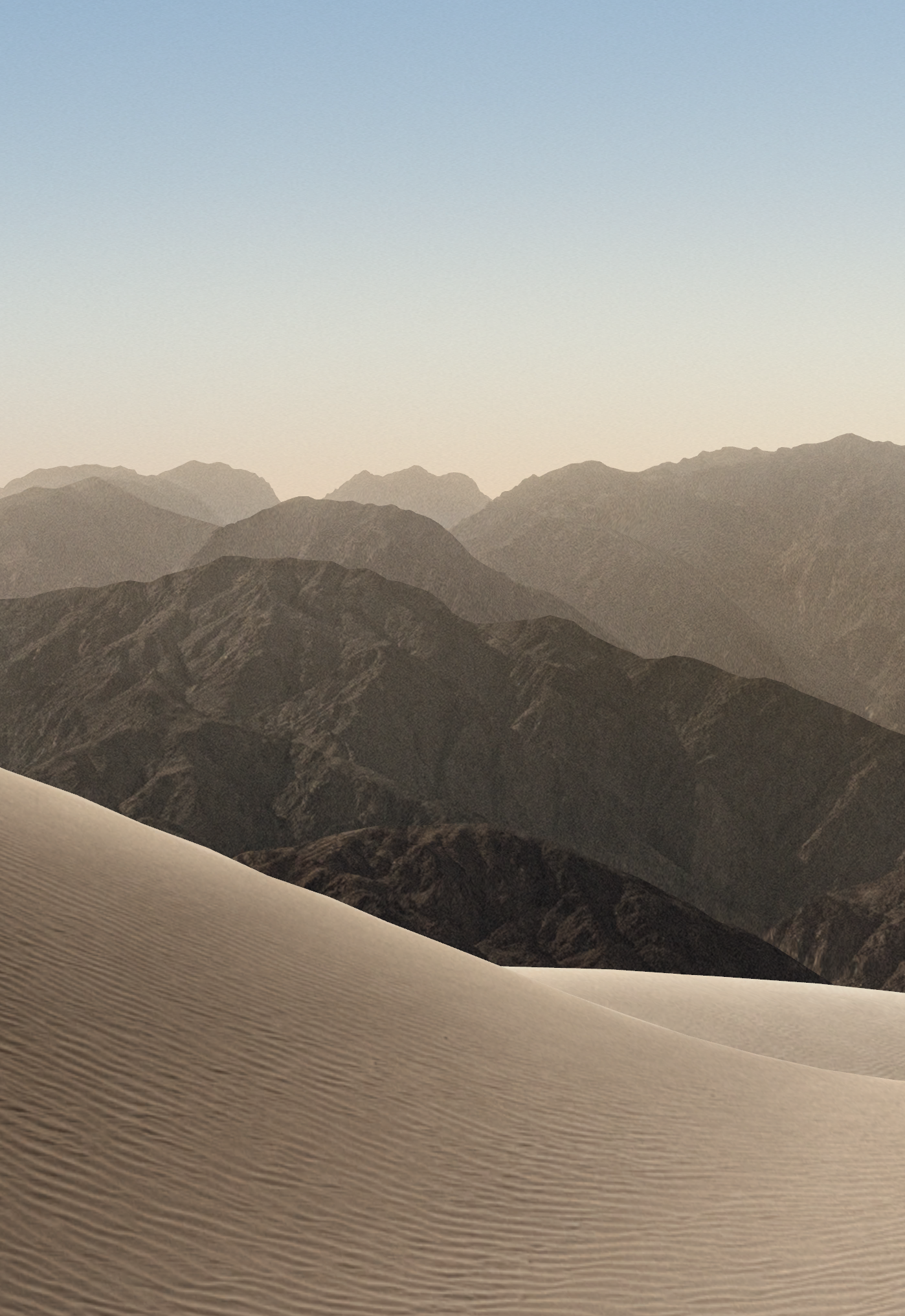
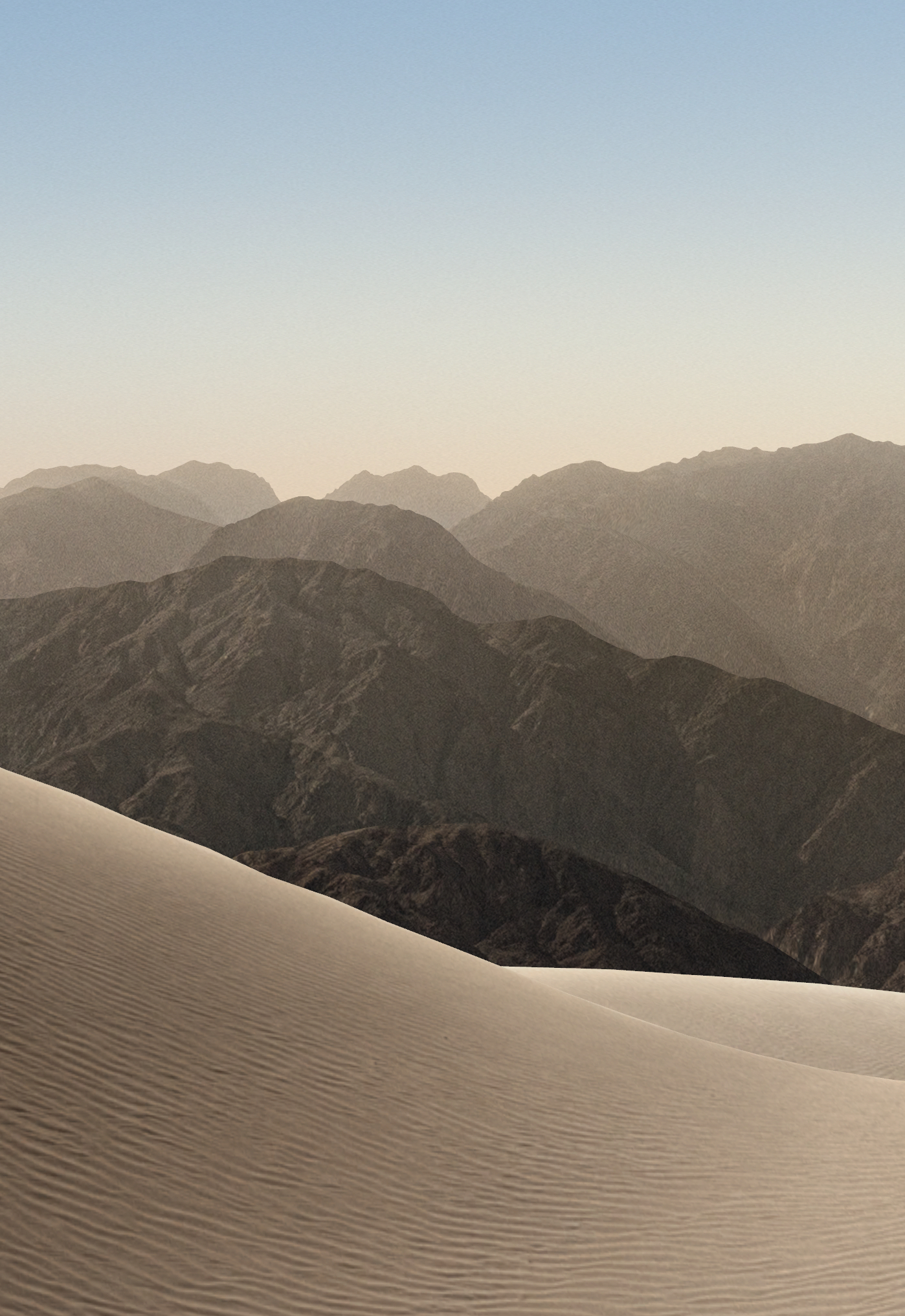
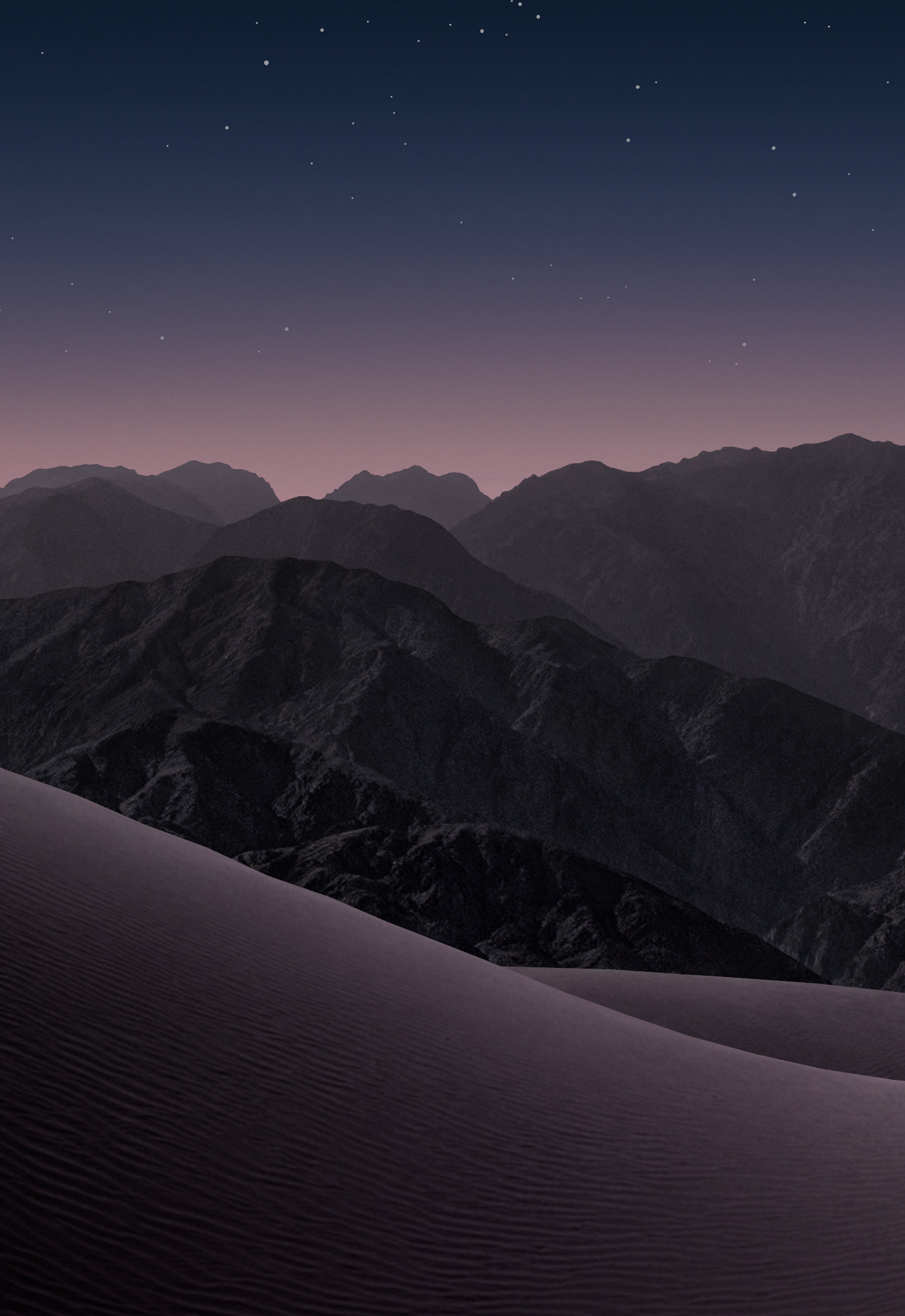
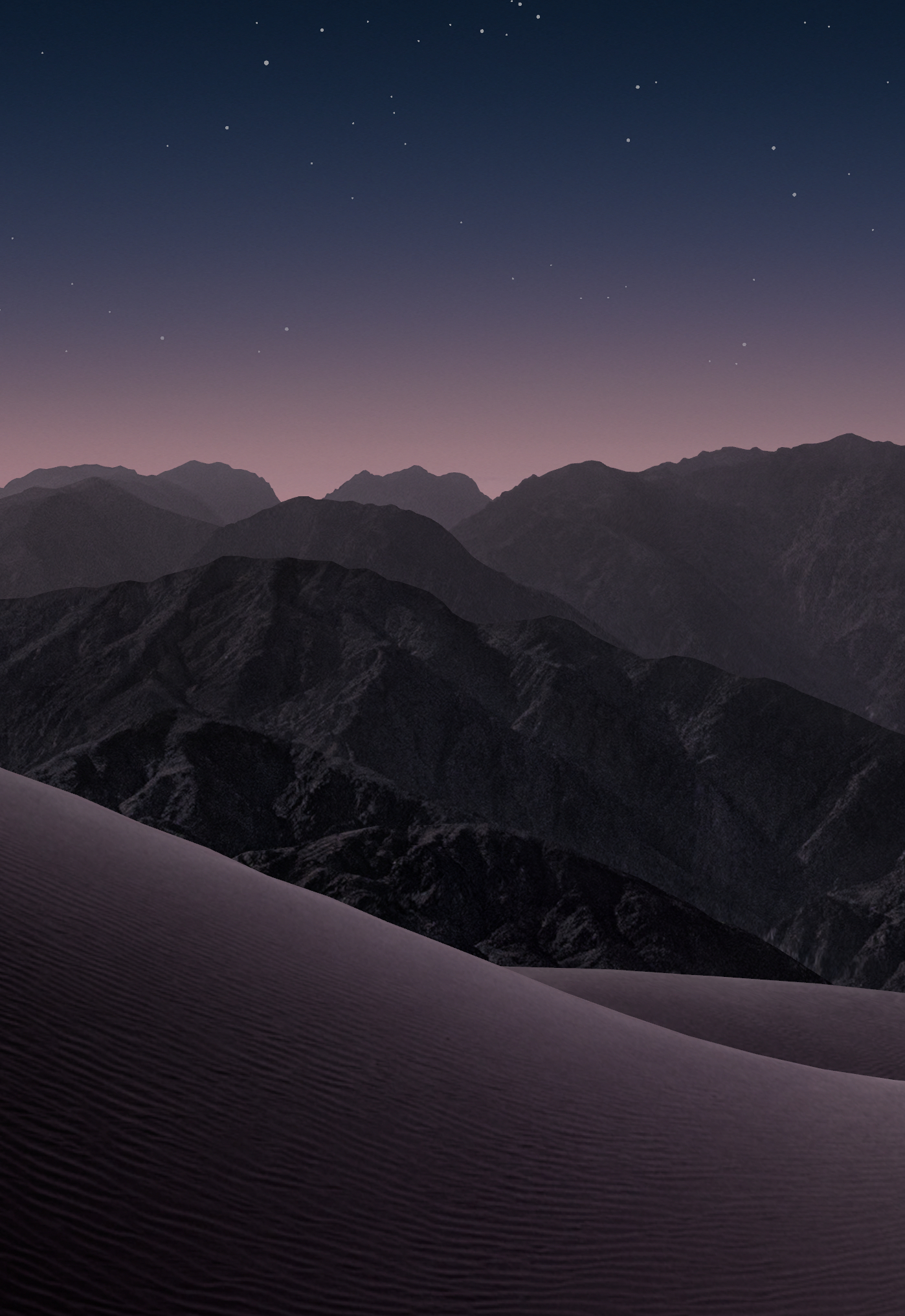
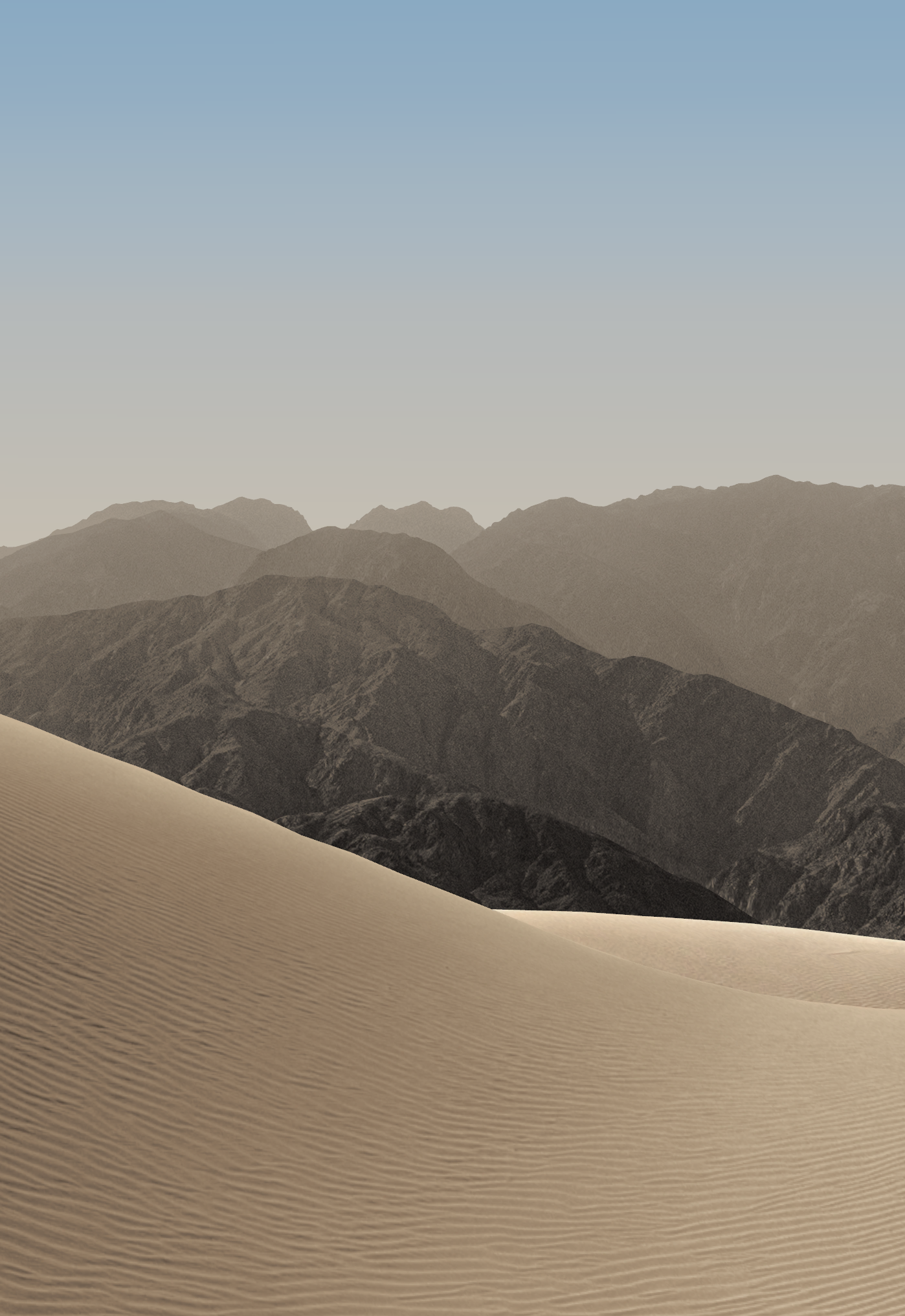
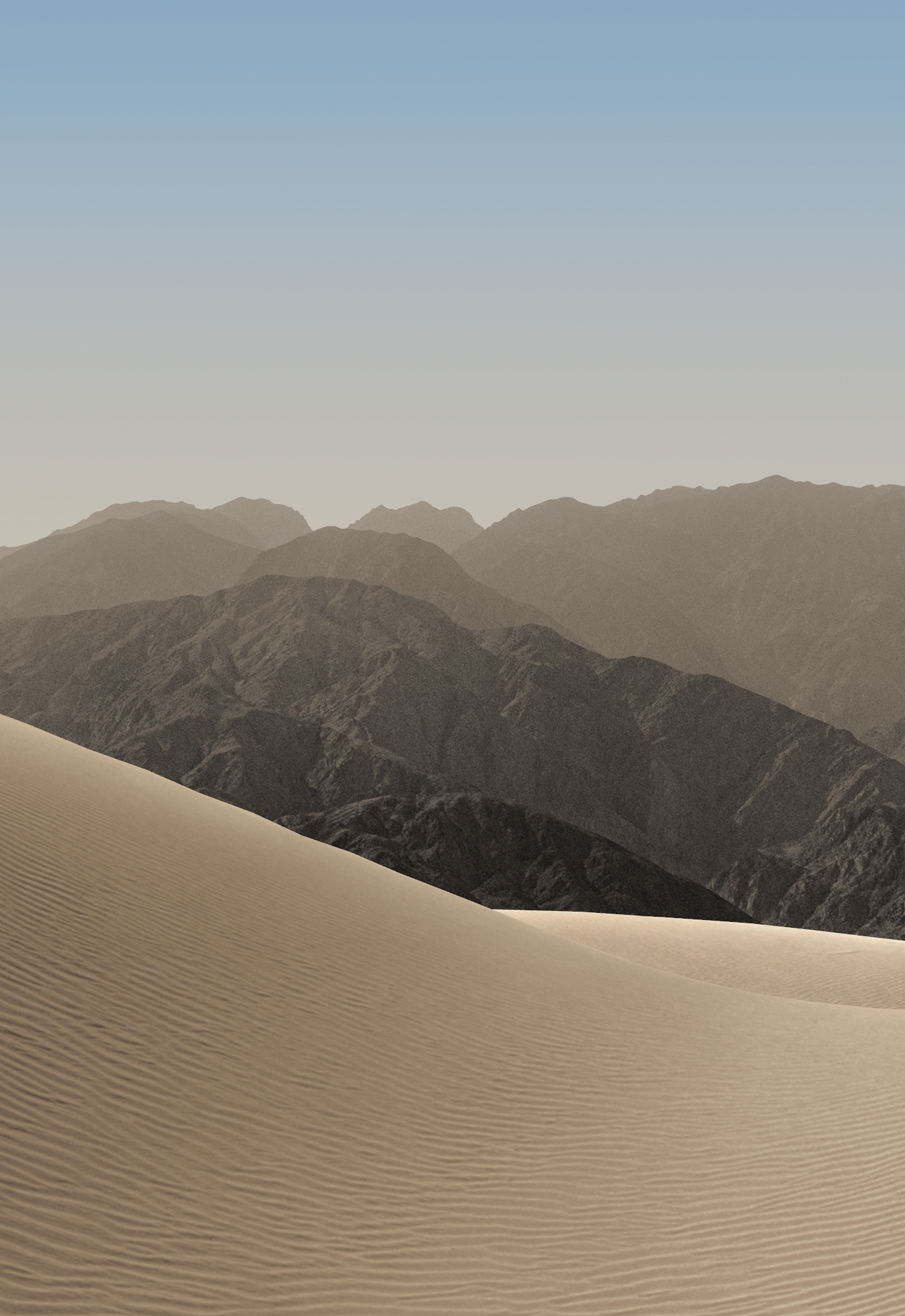
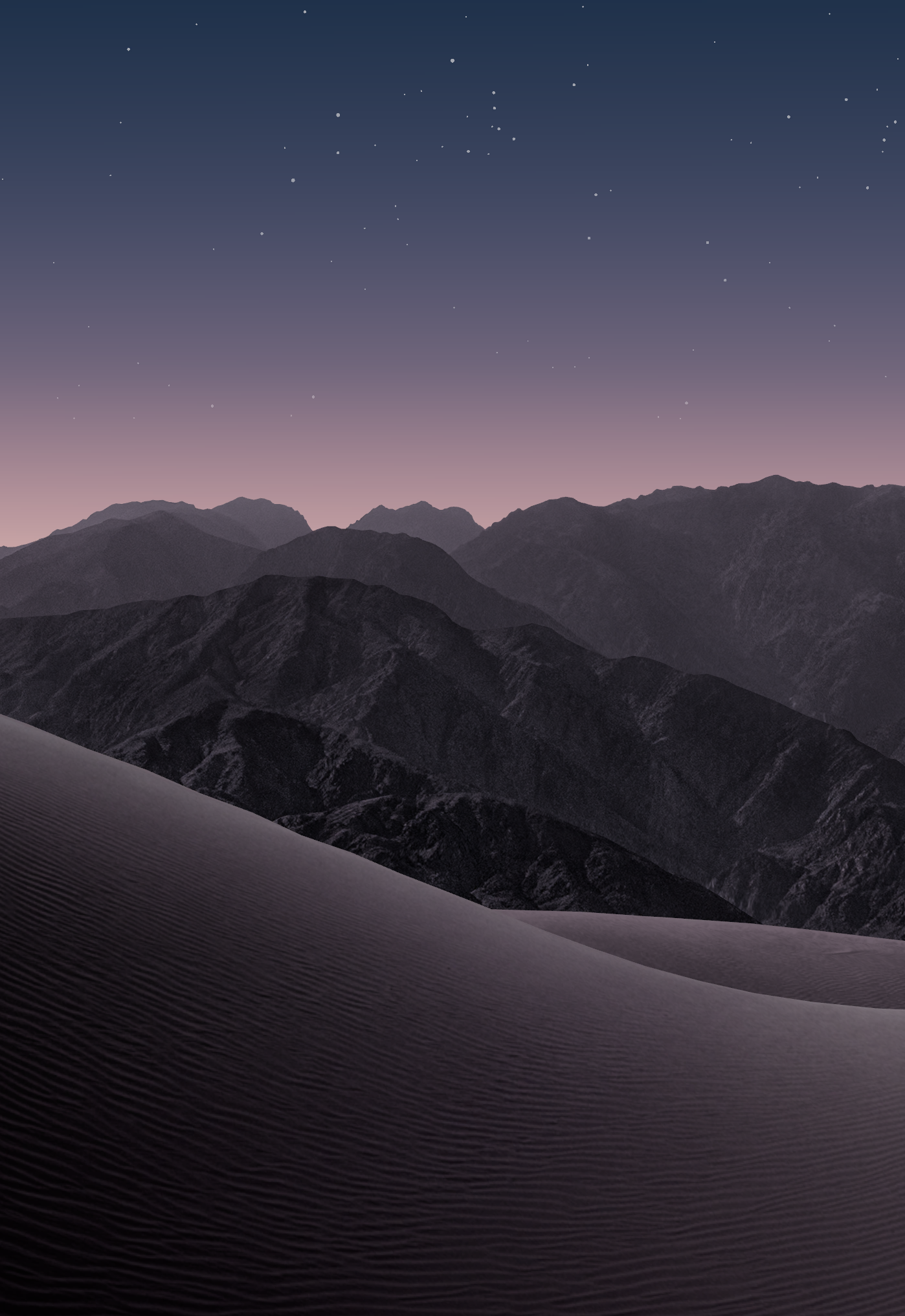
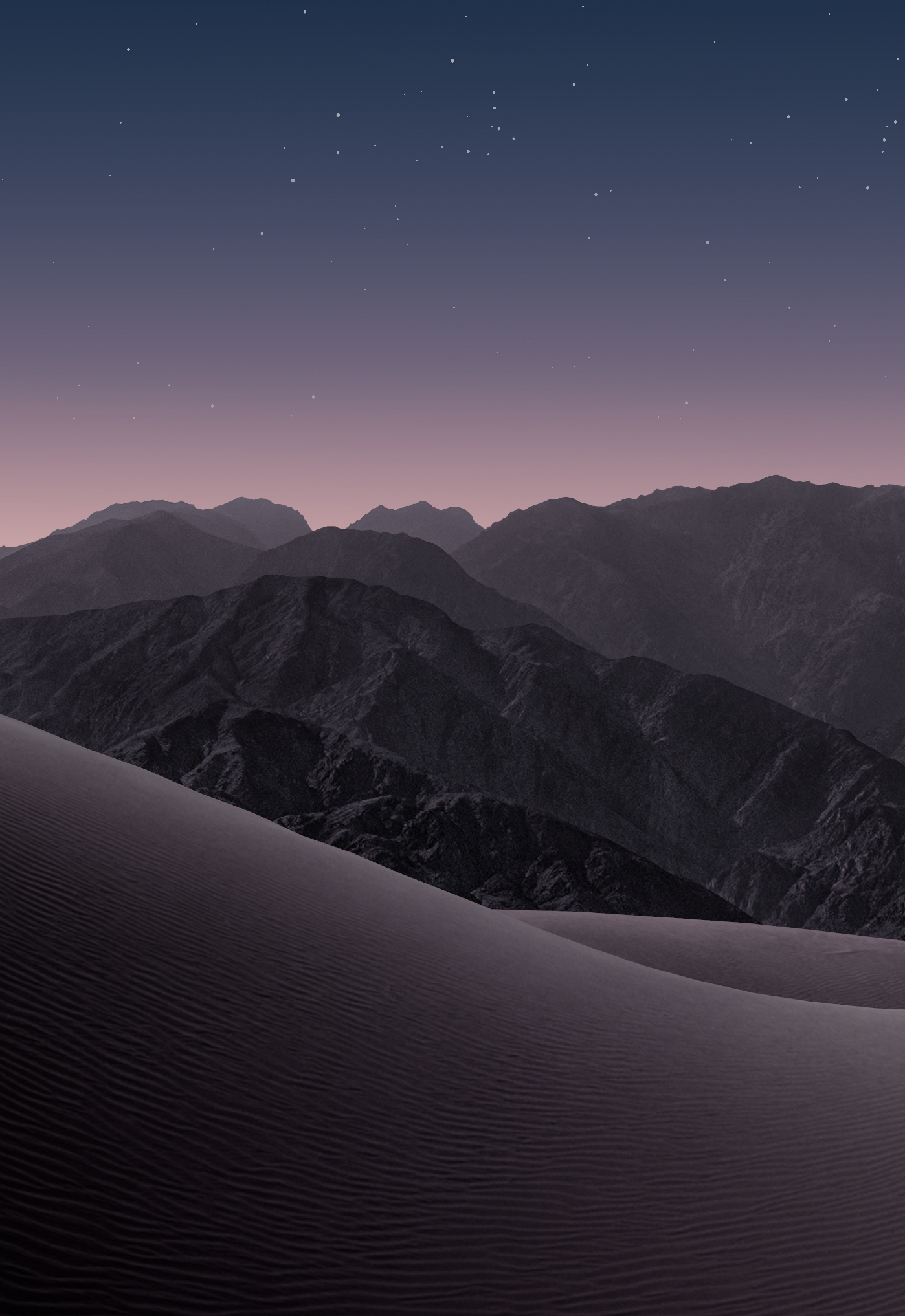
Every file is the full-resolution original. Choose PNG for lossless quality, or JPG if an app or device needs it.
After downloading
Set them as your wallpaper
- Save the image to Photos. If it is in Files, open it and choose Share → Save Image.
- Go to Settings → Wallpaper → Add New Wallpaper → Photos and select the Lock Screen image.
- To add the matching Home Screen image, choose Customize Home Screen and pick it from Photos. On another device, try the landscape inner display files on iPad or Mac and the portrait outer display files on iPhone.
Wallpaper artwork © Apple. These are the default wallpapers Apple ships with iPhone Duo, shared unchanged for personal use. This website is not affiliated with Apple.