Fresh Ice collection
Fresh Sheet wallpaper
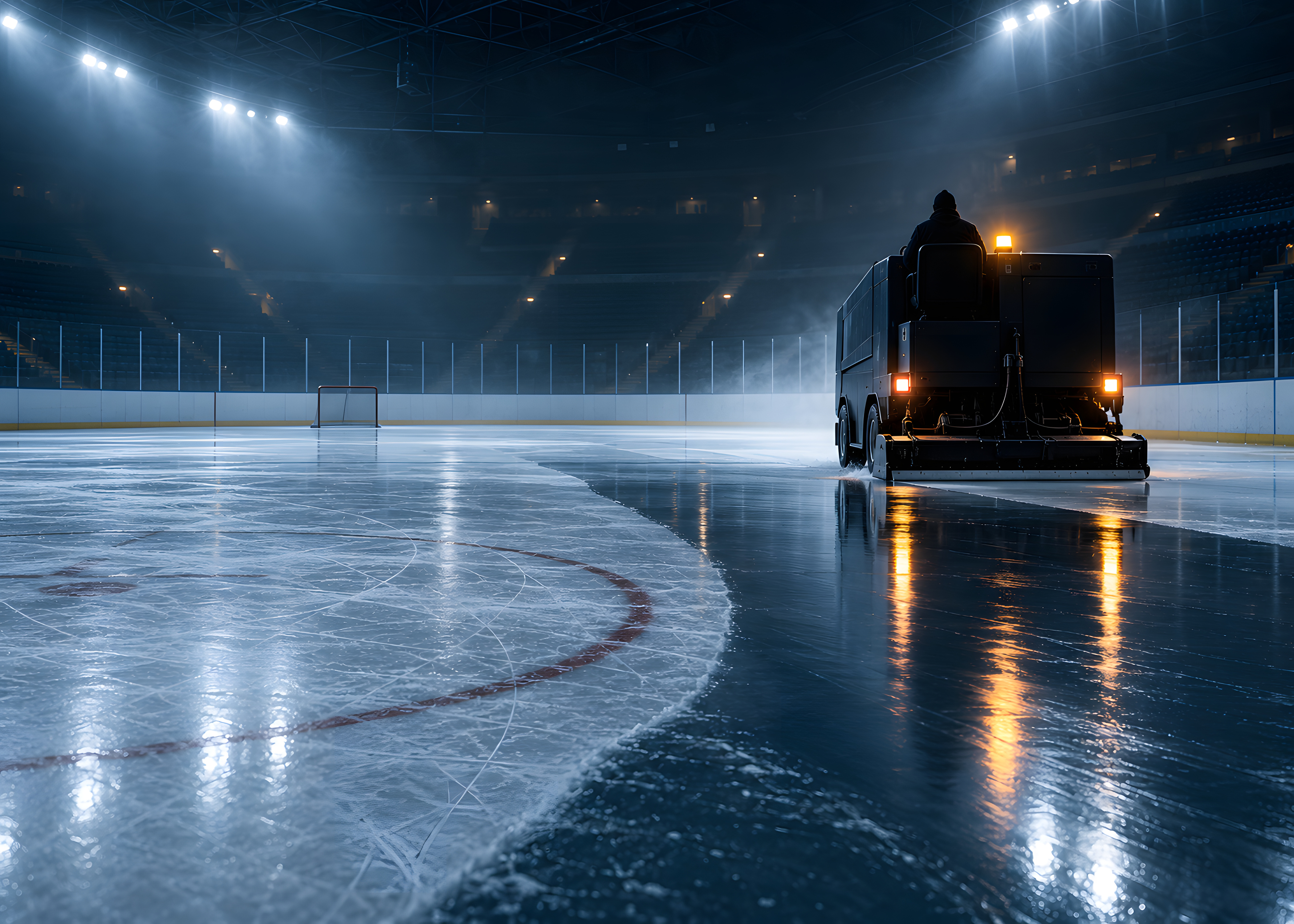
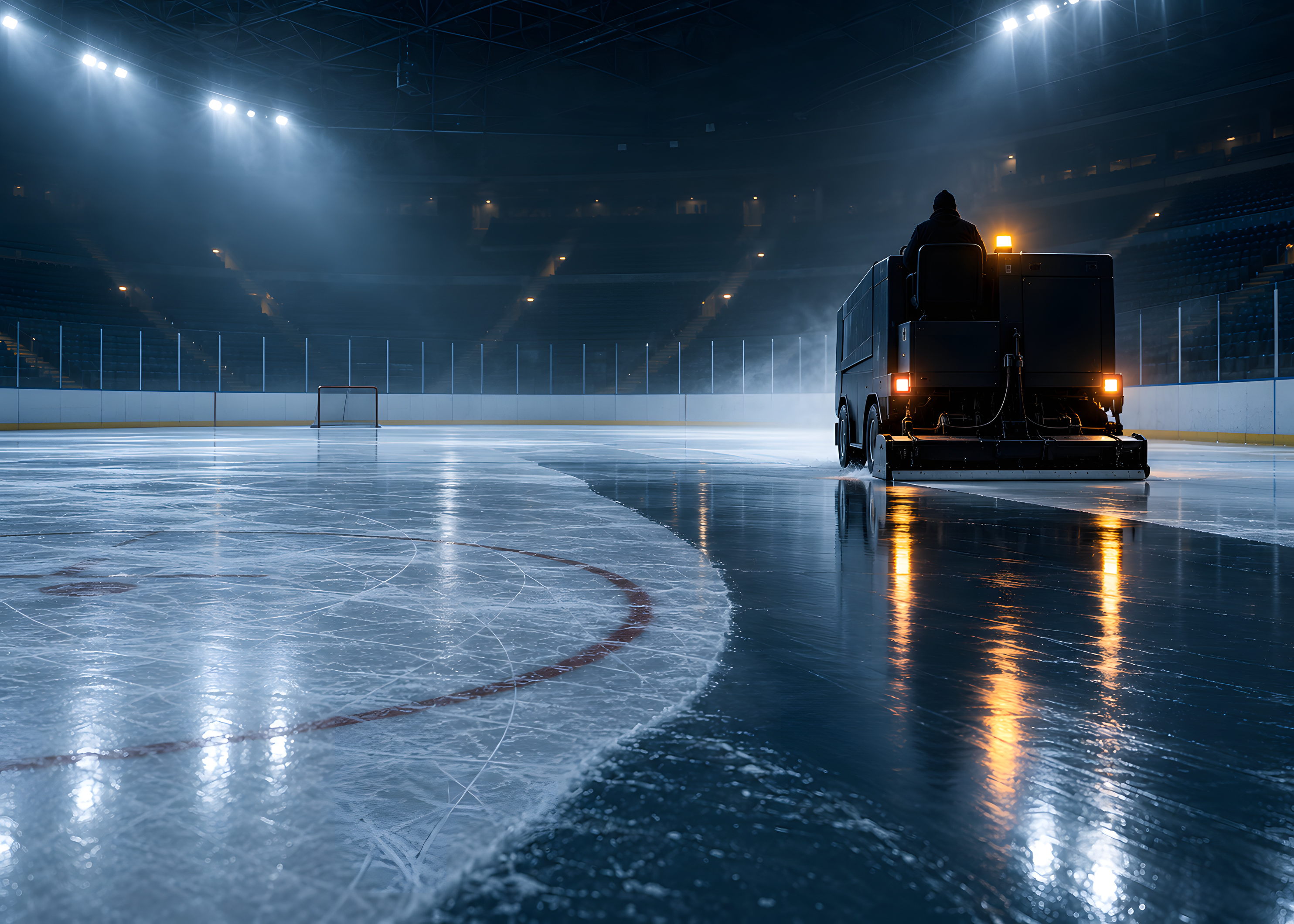
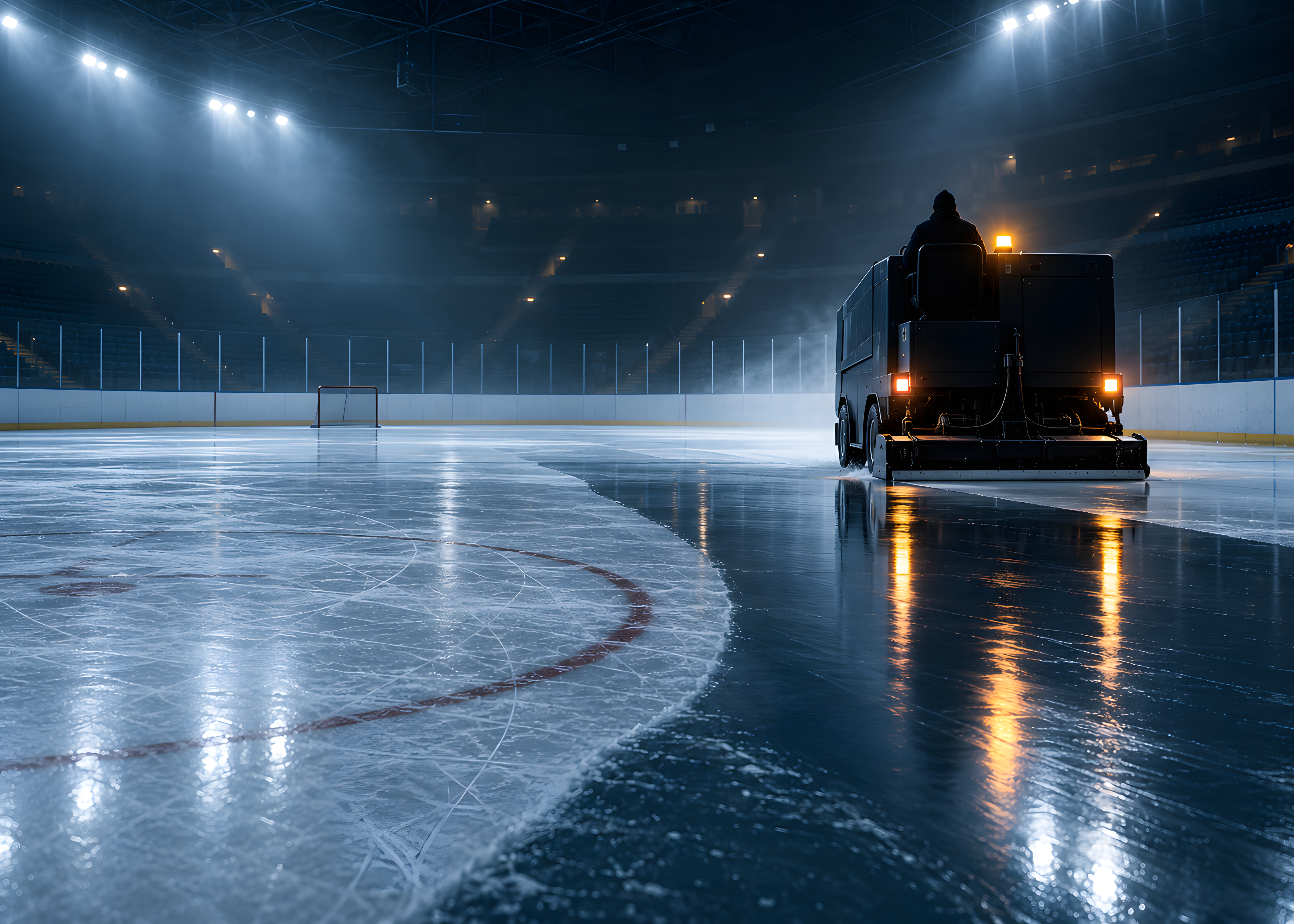
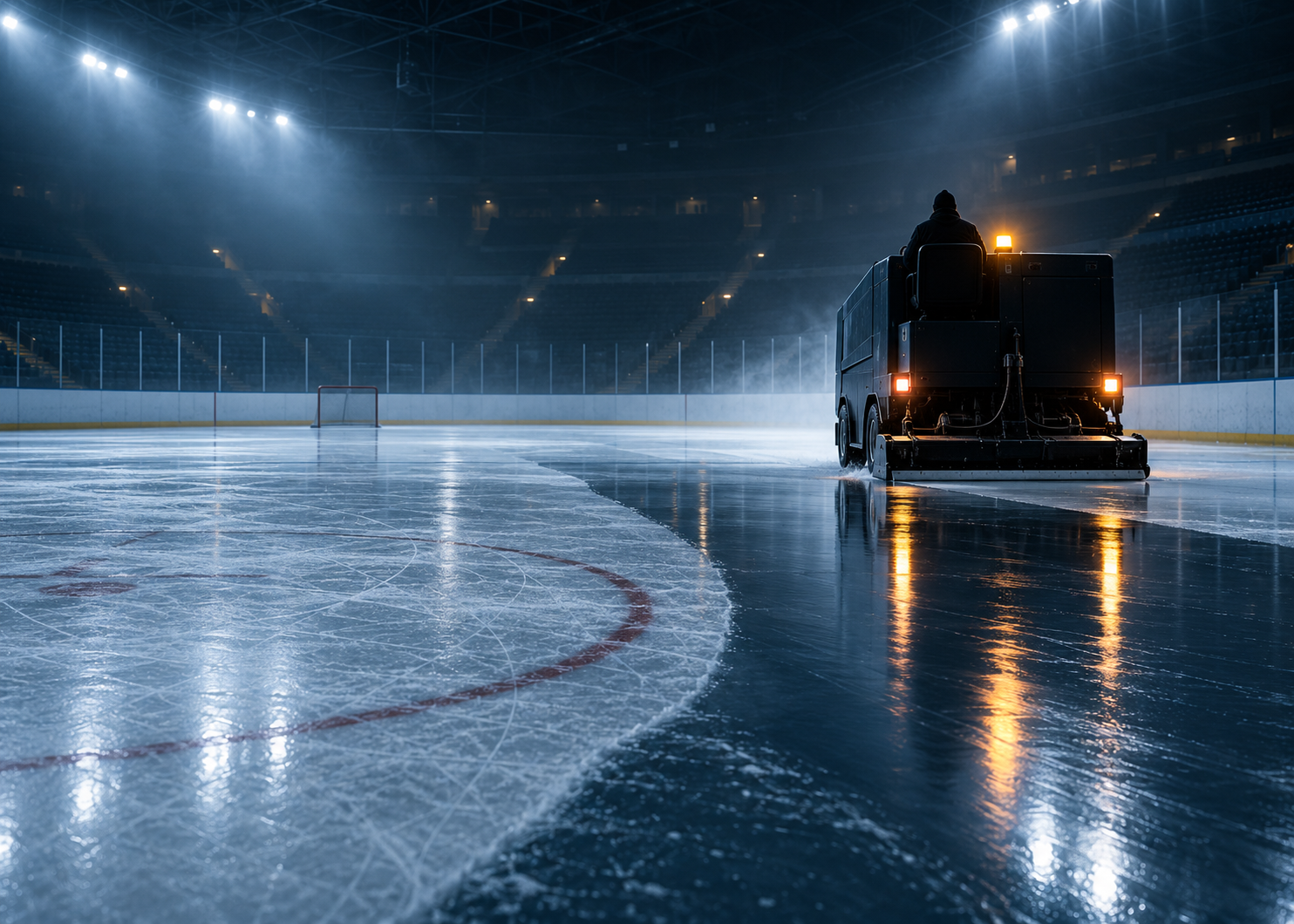
An ice resurfacer leaving a glossy wet trail across an empty, dim rink.
- Largest size
- 4200 × 3000
- Formats
- JPG & PNG
- Orientation
- Landscape 7:5
- Original preserved
- 1484 × 1060 PNG
Choose your download
Large JPG · Recommended4200 × 3000 · 3.2 MB Medium JPG2968 × 2120 · 1.8 MB Large PNG · Lossless4200 × 3000 · 13.0 MB Original PNG · Unchanged1484 × 1060 · 2.3 MBFree direct downloads, no signup. Choose JPG for a smaller file or PNG for lossless quality.